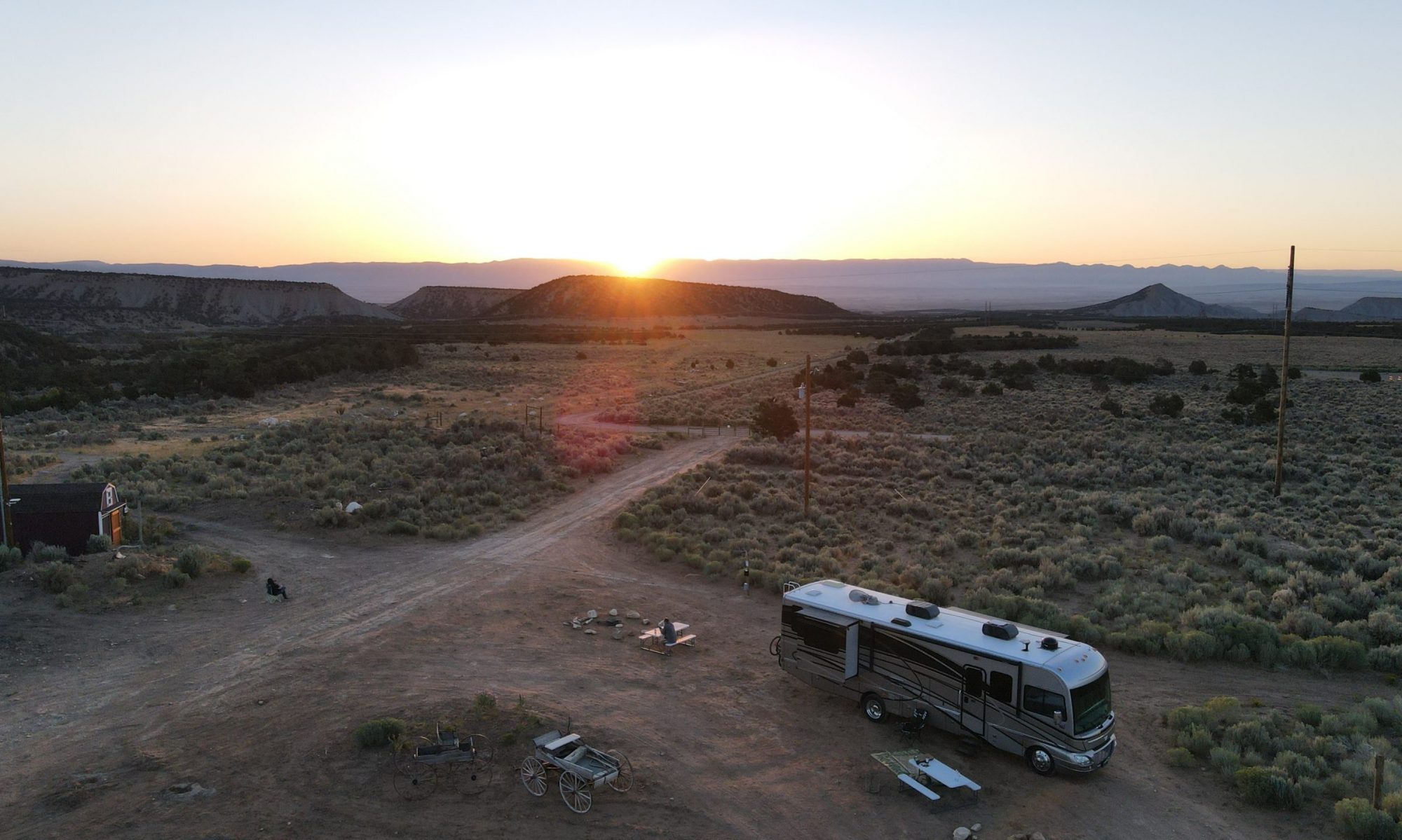
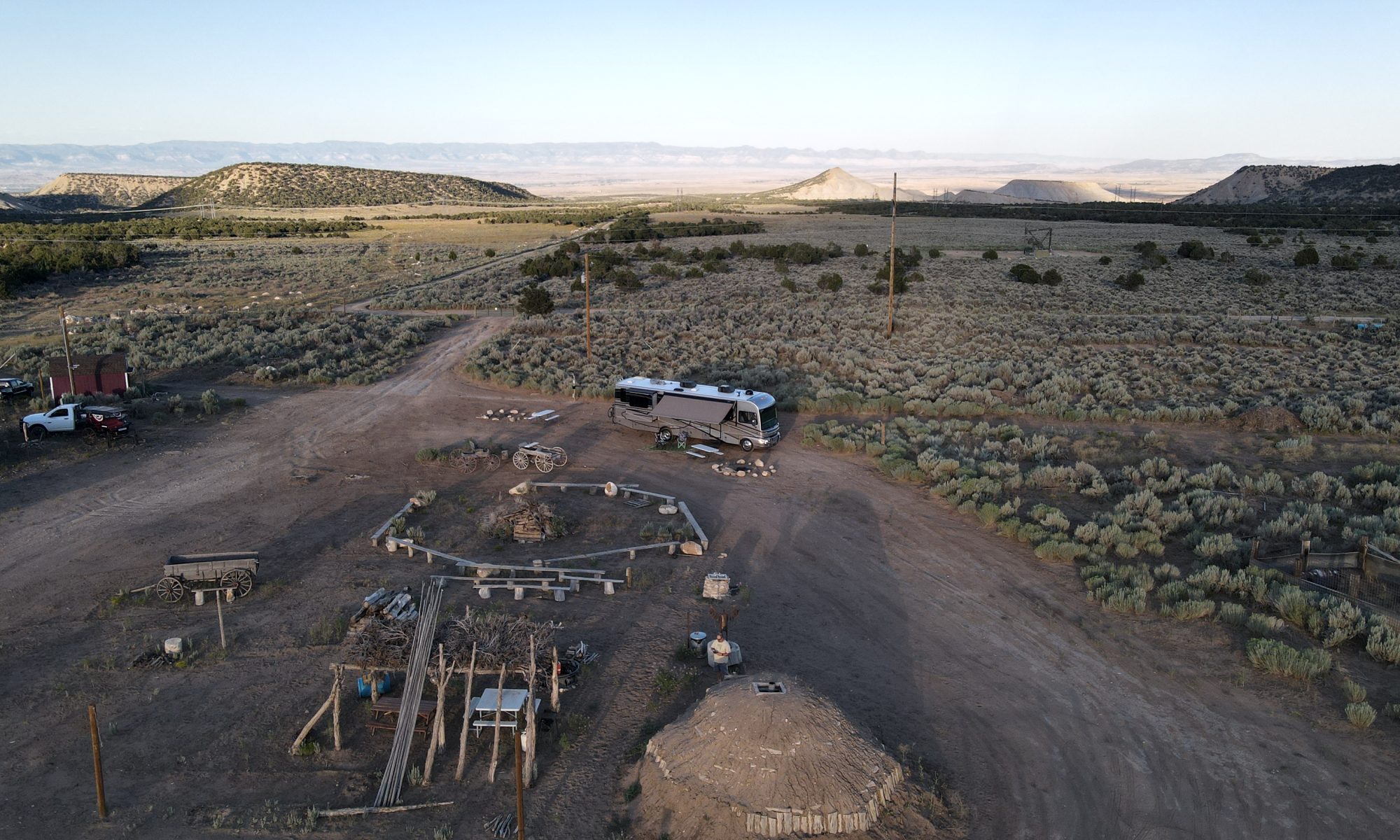
2020, the year of COVID. So much has changed at this point. Our vacation plans for 2020 certainly didn’t include renting a big ass RV and driving it across the country and back. But as COVID swooped in and crushed the cruise industry, canceled our cruise, and ruined the majority of dive destinations by way of limited inter-country travel, that’s exactly what happened.
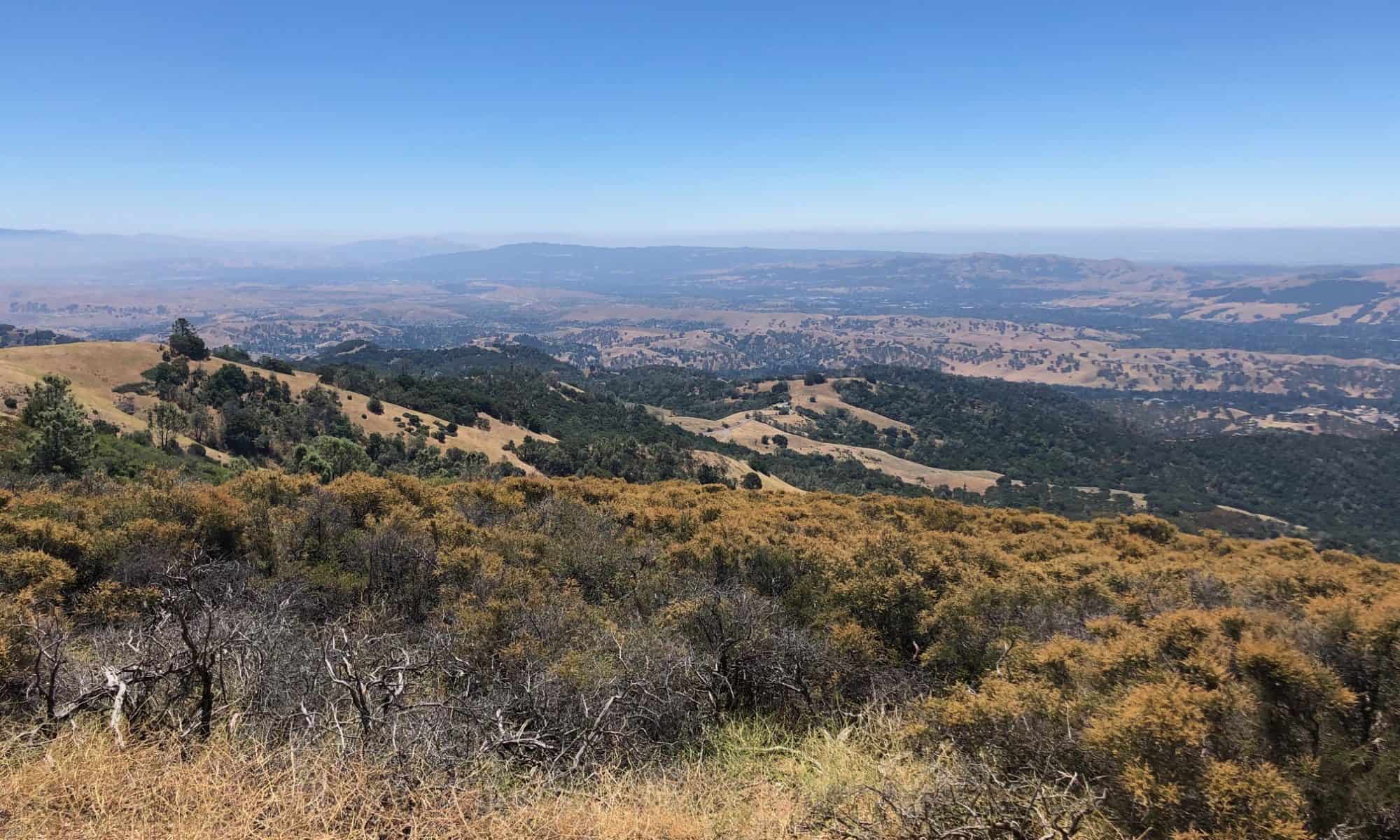
Out west is amazing. I’ve seen parts of it on two previous motorcycle trips. Both times I’ve been in awe of the beauty and magnificence of it all. I lack the vocabulary to properly describe what’s out there. You just have to see it for yourself and photos simply do not do it justice. Claudine experienced this on our trips to Europe. You can describe the Alps, you can take photos of the Alps but until you’re there, breathing the air and looking up (or down) across them you just don’t “Get It”. That was the motivation for this trip. To share that awe with her and Matthew. Doing it by motorcycle was out of the question. We had talked about flying out, renting a car, and driving around but COVID made that problematic. While I understand travel isn’t horrible and there are hotel rooms are available, we wanted to be 100% self-sufficient. What better way to do that than with a big Class A RV that can support you self-contained for days at a time?
At this point, I will focus on our trip, how I planned it, where we visited, and share some stunning photos. I’ll put together another post on the RV we used for the job, how I came to that decision, where I found it, what worked, and what didn’t.
I had 11 workdays of vacation (two weeks and a day) to maximize. I picked up the RV on Friday, August 7th, drove it to our house where we packed it for an early departure on Saturday the 8th of August, traveling out west in a southern to northern loop (more on that later) returning home on Saturday the 22nd to unpack before returning the RV on Sunday the 23rd. 17 days, 16 nights with the RV and/or traveling provided us with the sampling of “Out West”.
Having done it twice on the motorcycle there were places I knew we wanted to see. Pikes Peak and Beartooth Pass speak to me so they were must-haves. Sadly the latter wouldn’t make it on the trip since we weren’t going to be close enough with a rental car at hand and I wasn’t sure I wanted to take a 36 foot RV over Beartooth. Not that it can’t be done, but it’s not my RV.
I had started to plan the trip north to south but realized that would put us in the Black Hills during the 2020 Sturgis Rally. I don’t have anything against Sturgis or my fellow bikers who choose to ride Harleys, but where masses like that are gathered, well, that’s just not for me. Plus the point of this trip was not to mingle with millions of people amid COVID. So I planned it backward (to me).
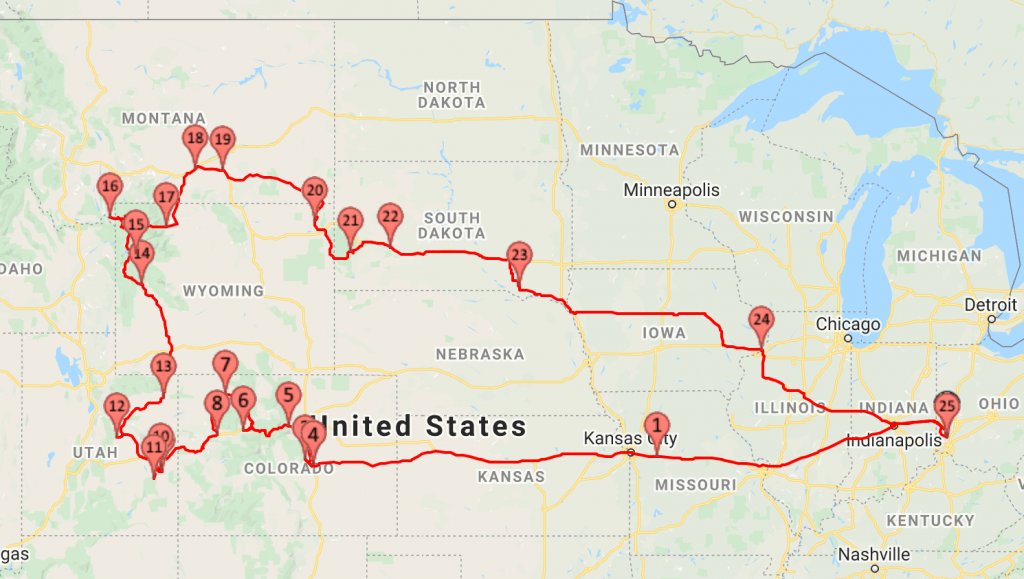
Our route looked like this.
I used a couple of very useful apps to plan. The first of which was RVParky.com and you can see the entire itinerary here including addresses for parks and where we stayed. RV Parky is particularly useful to call out places you can stay in an RV, even if that stay is a Walmart parking lot that permits overnight parking. Since we were in a self-contained Class A, we assumed we’d probably spend one or two nights on the cheap this way. Turns out we didn’t need too. As I was planning our trip, I made only one reservation and that was night number 1. The entire trip was tentative and subject to change based upon weather, or if we decided we just wanted to stay somewhere longer.
RVparky has both a website and an app (which really only loads the website). But it was extremely handy. The reviews were often dated, and links to websites for a lot of parks were bad. But you could generally find them without too much trouble.
The other application that I stumbled on thanks to brilliant google adwords targeted marketing. You know, when you start looking for cars or RV’s on the internet and then all you see on the internet are RV and Car ads. Yeah that. Was:
All it took to hook me was a 15% off coupon code. For $79 you’re a member and can request to park or stay overnight at any of their hosts. These are generally wineries, breweries, museums, or farms. The idea is that in exchange for letting you park there you’ll patronize their wares (wine/beer/farm). You’re supposed to be self-contained, no hookups, but we found that some did offer electric hookups for a fee.
On our first night (1 on the map), we stayed at Arcadian Moon Winery just east of Kansas City. We got there early enough to order pizza and a bottle of wine. We’re wine snobs and prefer big bold Cabs and Reds Blends. Most midwestern wineries focus on sweet wines which are not our thing. I bought a bottle of their darkest red and it was OK, but it wasn’t awesome (for our tastes). Their pizza was amazing though and I’d definitely go back or stop again if I was in the area.
Free parking (with purchase of wine and food), but we would have had to eat anyway. 🙂
This post/article is a piggy back to my article on our two week RV trip out west which you can read about here if you didn’t already. This article will focus on the RV itself, how well it worked for the task at hand, and what I would change if I could do it all over again.
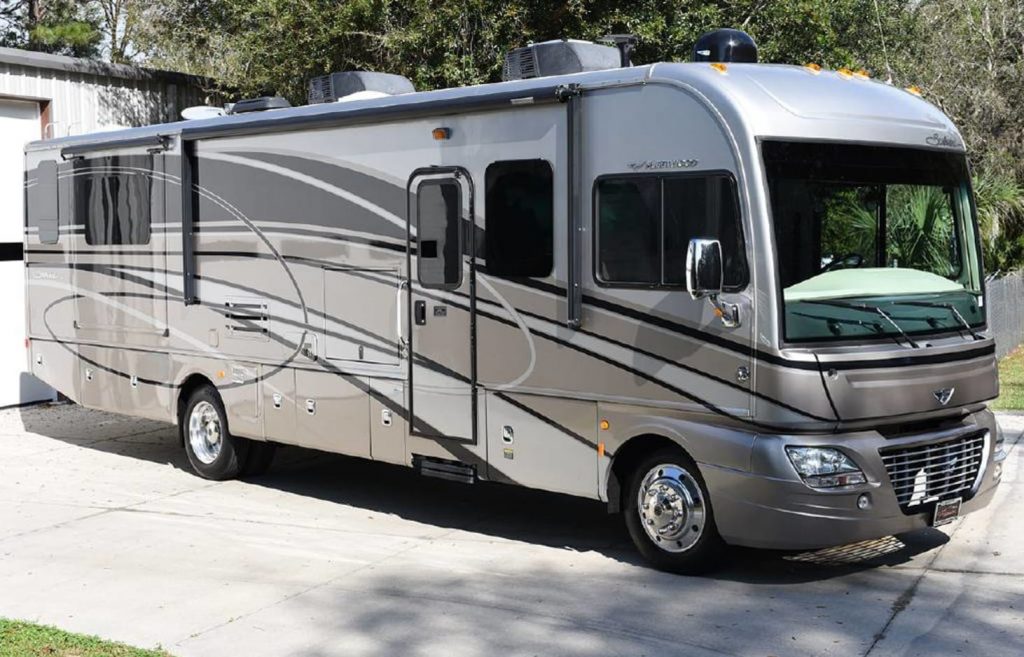
2015 Fleetwood Southwind 36L
The RV we used was a 2015 Fleetwood Southwind 36L stats here via rvusa.com.
MSRP: $144,549 Fuel Type: Gas Ford F53 Chassis / Ford Triton V10 (Gas) 362-hp and 457 lb-ft of torque, with fords dependable TorqShift five-speed automatic transmission with overdrive, plus Tow/Haul capability. 140 cubic feet of inside storage (cabinets. cupboards, closets, under-seat/bed, etc.) 118 cubic feet of outside storage. The brochures mention pass-through storage, but I didn’t see that, although there were some full length ‘slots’ in the rearmost and middlemost slots.
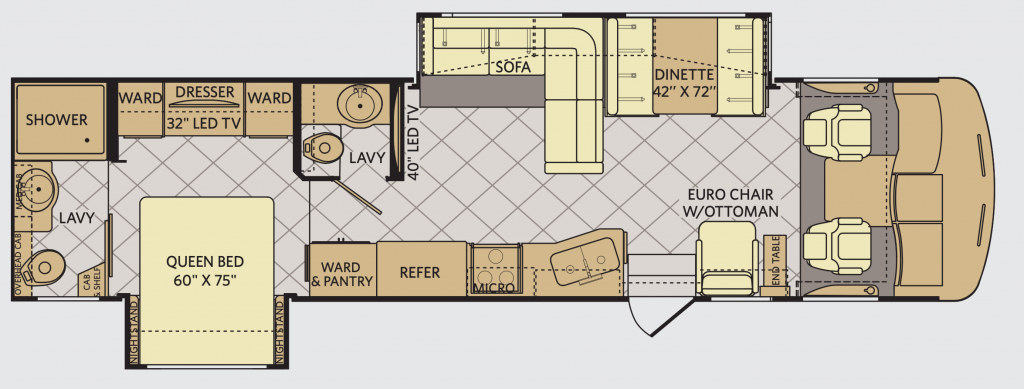
The 36L has the following floorplan:
That’s right 1 and a half baths!
I’ll talk more about what was awesome about this and what was less awesome about this later.
Finding a rental and executing it.
When we were planning for our epic vacation, I talked to numerous folks about what type of RV we should take. Everyone pushed us towards a Class A over a Class C for comfort, a step up in build quality, and most importantly noise level, especially for mountain travel. Apparently, the doghouses (the area between the driver/passenger seat that covers the engine) aren’t as quiet, especially when you’re grinding up a mountain, or holding the engine back in low gear. I’ve driven many vans, so I knew what they were talking about. Ideally, a diesel pusher with the engine and all associated noise in the back is best.
I started my rental search on rvshare.com as well as outdoorsy.com about 2 and a half months before the trip. Kind of last-minute, actually. Both are great owner rental sites. I didn’t want to drive an RV USA billboard across the country and back. I wanted to look and feel like an owner and rent an RV that was *hopefully* cleaner and likely more cared for than a fleet rental RV. More than the vanity that that sounds like, I wanted an RV that the owner knew about and could tell me, it does this well, that well, doesn’t do this well. Over someone who would just hand me the keys. and say, “Good Luck, Have Fun!”.
My initial selection was a diesel pusher in Cincinnati. I think I interviewed the owners more than they interviewed me. We talked about the trip, and our desire/need to be 100% self-sufficient for boon-docking (the act of parking an RV anywhere legal without hookups). He totally got that. We talked about the route, mountain passes, roads, etc. We agreed on the deal, but his RV was in the shop getting a ride enhancement kit, plus he was headed out-west 2 weeks before us, and we’d be cutting it close. Then it happened, when he picked up his RV from the suspension work, other things weren’t working, and he wasn’t comfortable I’d have a trouble-free trip. So I started looking again. (We’ve kept in touch, and I will rent that RV next).
I talked to a number of Class A owners, and asking to take their $100k+ RV across the country and back over two weeks is a big ask. Mileage is what kills the value in RV’s and I’m asking some of these folks who have less than 20k miles on their RV in some cases to let me put 25% of the mileage on the vehicle. I’m paying for that, of course, but If they could rent it to someone for 7 days, that’s simply going to drive it 300 miles (150 miles to a campground, park it for a week, and drive it back), that seems more lucrative and simply a better rental strategy.
Surprisingly, most folks weren’t really all that concerned with our ability to drive one. While I’ve driven some big things in my life, including a 40-foot UHaul, and a box truck back in the day, I had no REAL RV experience, and I was clearly jumping into the deep end. It looks very intimidating, mostly because you’re driving something that potentially costs more than our house to replace, but at the end of the day, it just wasn’t that bad (more on that later).
2019 marks 30 years Claudine and I have been married. To celebrate, we decided to take a couple of vacations this year. The first was a trip out to California wine country (Napa and Sonoma). We’ve visited both a few times but only as daily jaunts up from San Francisco. We also share our anniversary date with some friends (Vic and Kim) who visit wine country more often than we do so we booked a trip together letting Victor coordinate the lion’s share of the trip.
The following are the highlights of our trip along with some tips and suggestions should you find yourself out in wine country.
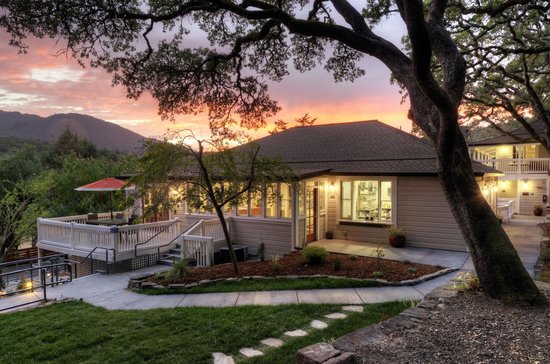
Historically we’ve stayed in San Francisco, San Jose, or some other part of the state, usually extending a business trip. Staying in wine country is the way to go. For this trip we opted for a luxury boutique hotel. The olea hotel to be precise. Vic found this hotel, and while it was pricey, it’s right in line for what it offers and have no buyers remorse from staying there. Future trips will likely be at a VRBO or something less hotel like, but I would absolutely stay at the olea again if the price and conditions were right.
The Olea Hotel
If you’re looking for a private boutique hotel with; gourmet breakfast, a good view, fabulous staff, great outdoor places to relax, wonderful pool and hot tub, on-site spa services, crazy comfy rooms with heated bathroom floors look no further.
The Olea was our home Monday – Thursday for our trip. Claudine and I actually came out to California two days earlier and spent those days in a nondescript Marriott in Walnut Creek. We stayed there on points because we thought we’d be bums and hangout by the pool. Turned out the hotel wasn’t all that great so we ventured out on Saturday to Mt. Diablo and the surrounding area and a trip up to Glass Beach in Ft. Bragg and some shopping in Mendocino on Sunday.
Downtown Walnut Creek was nice, lots of great restaurants including http://kaiwasushi.com/ for awesome “hole in the wall’ sushi. We also rolled the dice for an off-airport rental car through Sixt. While our experience was great; there was no line to get our car, and we returned it late at night on Friday. It turns out that’s usually not the case. Our car, a full size Chevy Tahoe was great, even though it was a Chevy.
Wine Country 101
If you’ve never been to wine country, or are new to wines and winemaking do take a tour or two. After that, all the stories are the same, the wine making process is the same and usually goes something like this:
Our winery was founded in the <late 1800’s, early 1900’s> we have always made wine here in some form or fashion. We survived prohibition by making wine for the Catholic church or for pharmaceutical use, or we turned into an orchard, and back into a vineyard after prohibition. In 1976 it was <our wine, or one of our closely related wines, vines, winemaker, father or grandfather of our winemaker> who was responsible for beating the french at their own game and putting California wines on the map. We still have those vines today, in a corner of our vineyard.
We <insert winery name> are focused on making world class <insert wine type>. Our micro climate here in (Napa/Sonoma) is the best for <insert one type of grape> because of our unique soil/sun/fog/coastal breeze/non-coastal breeze> and our <flat/hillside/north/south/east/west> facing vineyard is the best for <insert wine type>. We use only the finest barrels from a cooperage in the <USA/France/some other location> and only use <new/old/american/french> oak. We tightly control the char in the barrel better than anyone else and age the wine in our <warehouse/cave> and bottle it at exactly the right time every year. As you explore our wines through this tasting you’ll discover why we are the very best at what we do.
While a little tongue in cheek, it’s not far from the truth. There are, depending who you ask, between 400 wineries in Napa (600 if you include Sonoma) with tasting rooms and upwards of 2000 different wine producers in the region. Even google doesn’t have a solid count.
Over the course of our trip we visited (10) wineries for tastings or tours. Which is a lot over 4 days, as almost all involved a tour or considerable tasting time. 3 per day is a lot unless you’re going to taste and spit, or have a dedicated driver.
Day 1: Clod Du Val We didn’t have a scheduled tour or tasting. We dropped in and they were able to accommodate us for a tasting. Newly remodeled or added tasting room was fabulous as were the wines. We liked it enough to join their wine club. They do distribute some wines although the story is always “What you get here is not what we distribute”
Trefethen We were set up with a tasting here by a co-worker. We opted to taste the red flight in their recently renovated barn tasting area. Trefethen is known for their Pinots and whites that we didn’t taste. Their reds weren’t our favorites but I did like the Dragon’s Tooth Blend quite a bit.
Dinner: Glen Ellen Star This place was amazing, pricing was steep but amazing 5 Star food.
Day 2: Del Dotto Cave Tour (Historic), the have 3 different locations and tasting options. We chose the cave experience with barrel tasting and it was excellent. They have a certain reputation but we enjoyed their wines and bought some. I also bought a checkable wine case for the trip back home from Del Dotto.
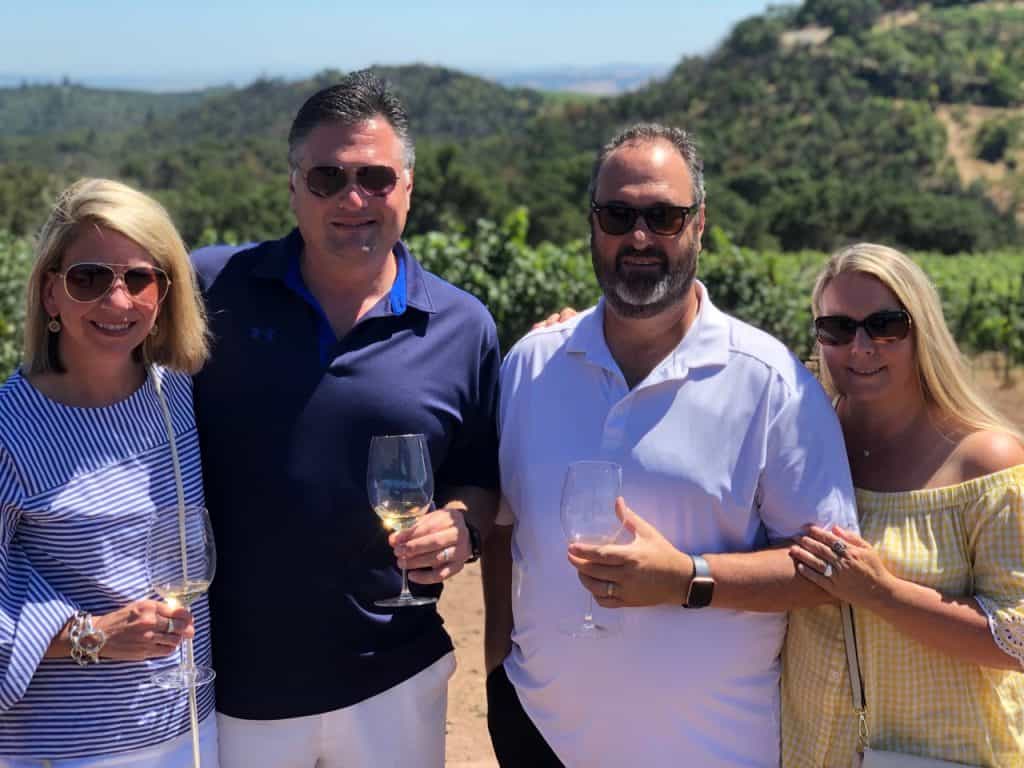
Favero Fred Favero winery. Fred’s estate is also his home. Our friends met Fred back in 2009 and insisted we return on this visit. They weren’t wrong. Favero winery is perched atop a ridge that straddles the Sonoma and Napa borders. He makes 3 reds, an estate Sangiovese, a Monte Di Sassi, and an Estate Cabernet Sauvignon. He only produces around 500 cases a year and you must buy direct. His prices are very fair for the wine quality, in fact, he could charge 65% more just by labeling them Napa wines but he chooses not too. If presented with an opportunity, don’t miss a private tasting at Favero on his patio overlooking the valley.
Day 3: B. Wise B. Wise was a recommendation from Olea, in fact it’s one of the wineries that has an agreement with Olea and promotes a free tasting. The story is unique, there isn’t a winery visit, but there is a tasting room just north of Sonoma. We had the place to our self, they have some really powerful and unique reds. Highly recommend a tasting here. We bought a few bottles and will likely order more from B. Wise.
Kunde Mountain Top We had pre-booked the Kunde mountain top tasting before we came out to California and we thought it was pre-paid. Had we realized it wasn’t pre-paid we would have cancelled it simply because it made getting to Repris on time a bit tough. The mountain top tasting was OK, not horrible, not great, just OK. You start in the main tasting house, board a shuttle to a perch at the top of the winery overlooking the winery for a handful of tastings, then ride the shuttle back down. Maybe 45 minutes at the top. It is a beautiful view, no question. The wines though were not to our liking. I did enjoy the reserve wine at the end. Same spiel as most, join our wine club for exclusive deals you can’t get in distribution. We didn’t join, nor did we purchase wine. Wade our tour guide was fine, a little too Mr. Rodgers like and they are living off the view and the fact that parts of Bottle Shock were filmed there.
Repris Repris was a recommendation from Fred (Favero). He called Repris and set up the appointment for us. This was my second favorite private tour behind the time with spent at Favero. We beat feet from Kunde and got there just in the nick of time. It is also up on a mountain and takes time to get there. We arrived were greeted with a white wine for tasting, then another for our ride in a 4×4 side-by-side for a ride up to the top of the vineyard for a spectacular view. We stayed up top for a while getting the backstory for the winery then taken back to the caves for more tastings. We bought wine here, their reds were amazing as well. They too only sell direct.
Dinner: The Salt and Stone Good food, great service. Likely our most forgettable meal though. Steaks were overpowered by the sauce or all would have been excellent. Mac-n-cheese with mushrooms and truffle oil was amazing.
Day 4: Napa Wine Train: This was a vacation check-box item. We’ve done it, we’ve checked the box, and that’s that. We are not group tour people. We don’t do cruise ship excursions we book on our own, direct and private (usually for less). So why in the world would we do a group train tour to take group wine tours and tastings? Because trains are cool that’s why. The wine train isn’t cheap initially, the Estate tour itself is about $375 per person, but when you break it down, 3 tastings at say $60 each is $180, the meal is a $75 meal, that gets you to $280, a driver for the day at $120 bucks is a deal. The train is nice, fairly cozy and thankfully for our tour only half full. I probably would have lost my mind if it was 100% at capacity as it was the tours seemed crowded.
The food was good, but not awesome. Portions were smaller than I expected and we got stuck with one winery that no one in our group would have chosen to visit. But again, box checked. I just wouldn’t do it again.
The wineries we visited from the train: Domaine Chandon Bubbles, nobody in our group cared for bubbles. I did enjoy a mixer and the grounds are spectacular. If you like bubbles, this is a no brainer stop for you.
Louis M. Martini We entered this winery with low hopes. Their wines are average, and we think we’ve visited here before the renovation when the grounds were quite plain. The renovation is amazing, and the wines were surprisingly better than expected. I would visit here again, for a private tasting or tour, but not for a group tour.
Inglenook Francis Ford Coppola makes Inglenook great again! We visited this estate many years ago and had, honestly a not great experience. The wines were good but the tasting server just didn’t want to be there that day. This time we took a broader tour, got the story of the winery from inception in the 1800’s to now. We even bought a bottle. Well worth the trip!
Dinner: Glen Ellen Inn (late evening dinner after the train) This might have been my favorite meal, certainly right behind the Glen Ellen Star if not the favorite. Killer Cucumber Martini, and a great Salmon filet. The fact that I had just come from a couples massage at the Olea has nothing to do with my assessment 😉 don’t hesitate to eat here or the Glen Ellen Star.
Day 5: We wrapped up our wine country time after breakfast at the Olea we checked out and headed south for a day in San Francisco with a mildly successful whale watching tour, dinner at Alioto’s, and a sunset cruise around the bay. The latter was my favorite. Awesome new boat in the Red/White fleet, all electric, very clean and quiet.
I loved every moment of this trip with good friends as phase 1 to celebrate our 30 years of marriage. I’ll post more photos later when I have time.
A couple of things happened to make this possible. Our wonderful daughter Maggie gave us a week of babysitting so that we could take a vacation without any kids, thank you Maggie. When the opportunity presented itself for us to rent the same condo in Seven Mile Beach Resort in Grand Cayman that we did in May of 2017 so we jumped on it. The earliest we could book a vacation for me, at the time, was in September.
We also decided that if we’re going to spend the bucks to get there and dive, might as well maximize the opportunity and decided to extend it a couple days, three to be exact.
We originally asked the condo folks for a special rate to extend because, well, honestly, we like to be frugal like that, and we also have a boat load of Marriott points so we could technically stay at the Marriott resort for free. Initially the resort said “No” and quoted us standard rates which were ridiculous. Anyone in Cayman in the offseason (August-September-October) an paying list price is not doing their homework.
So we looked around. The problem with the Marriott for us, was simply that it’s basically a standard hotel room, an when you’re diving, you have a lot of wet, sometimes stinky gear to deal with. There’s no good place to store it at the Marriott and they don’t have their own dive company to take it off your hands. We also like to have the opportunity to cook a bit and save some money when we can and you can’t do that when all you have is a Microwave. Well, I suppose you can, but we can’t.
Additionally we wanted to experience other parts of the island, not just Seven Mile, which can be busy like Gatlinburg only with a beach. If you don’t know how busy that is, just know that it’s crazy busy. It turns out, in the offseason, that’s not a problem.
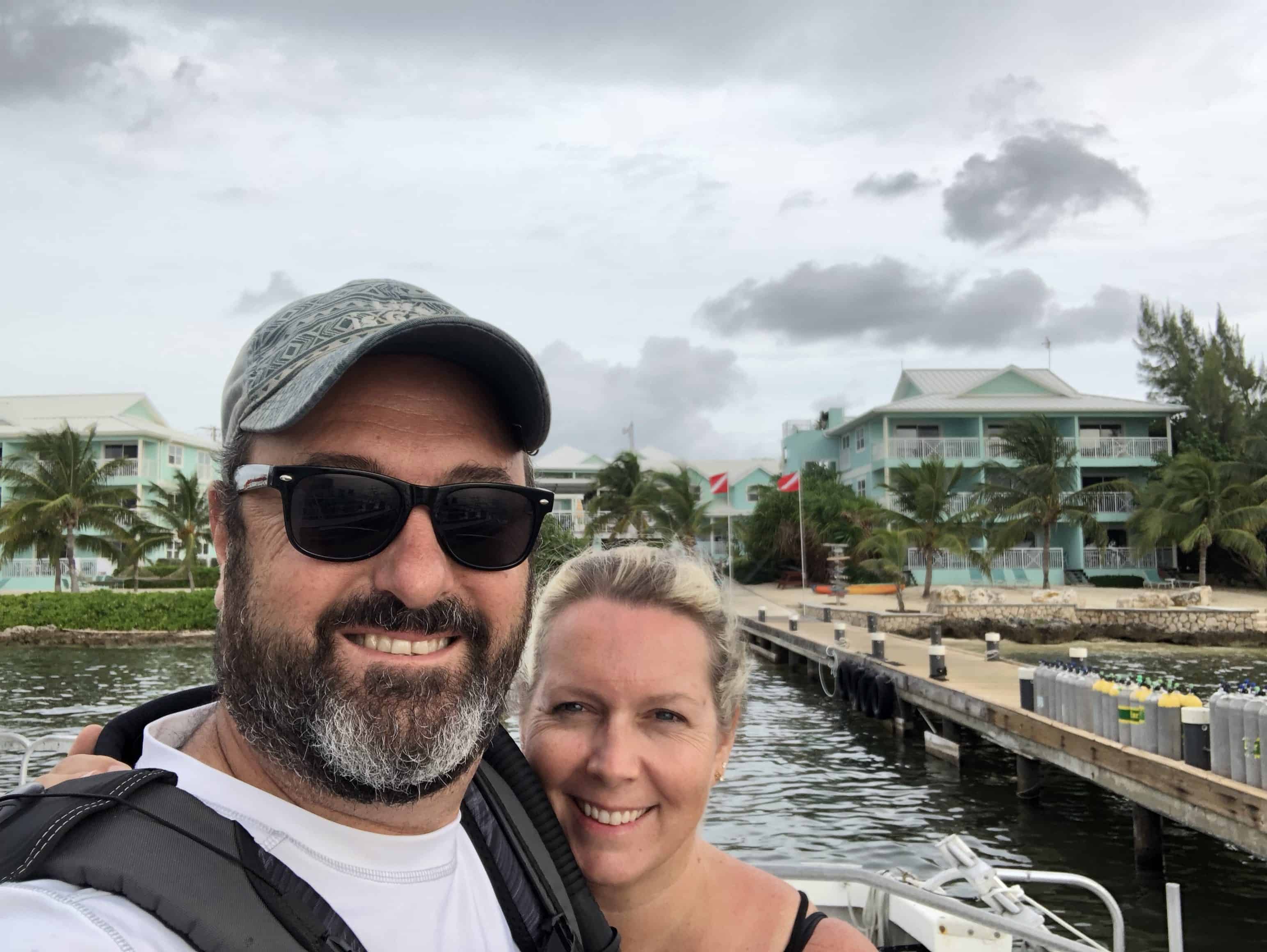
After some research, we selected a condo on the north side in Old Man Bay. Originally we rented On The Bay Unit #104 via Grand Cayman Villas & Condos.
As we did our pre-travel research we were a little bummed about the number of things that were down/closed for the off season. Island population is certainly lower, it is hurricane season after all. A few of the dive companies we planned to dive with told us they would be down for maintenance and when I tried to get reservations at one of the all you can eat lobster nights and they were like, “Yeah, uh, no, we’re closed in September.” But we soldiered on.
We eventually booked diving with EPIC divers for the 7 days we’d be staying on 7 Mile because of their stellar reputation on Trip Advisor. We figured we’d just snorkel, shore dive, or find someone on the North side when we got here. We also planned to check out the Morritt’s resort and Ocean Frontiers as potential places to stay next time.
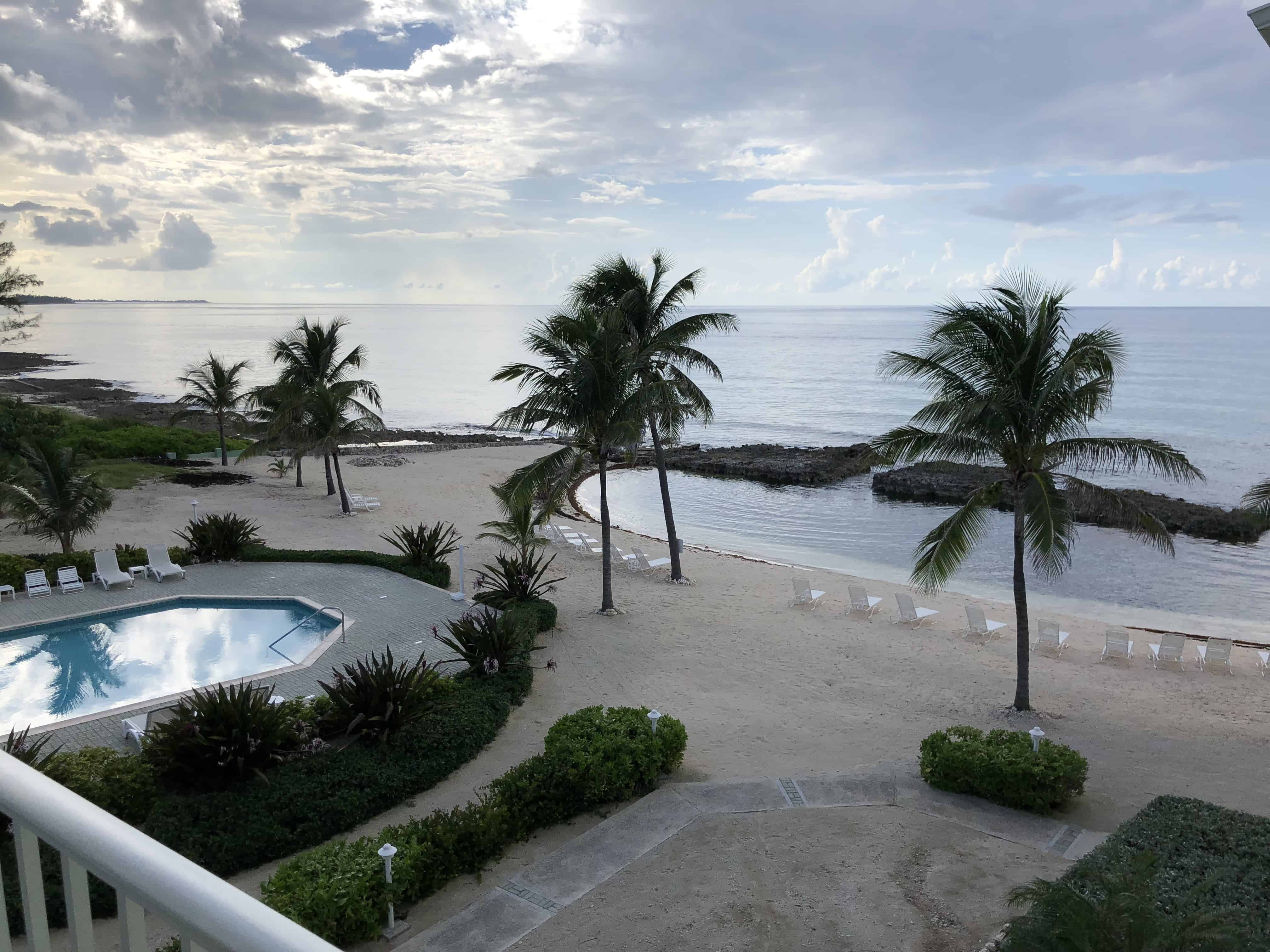
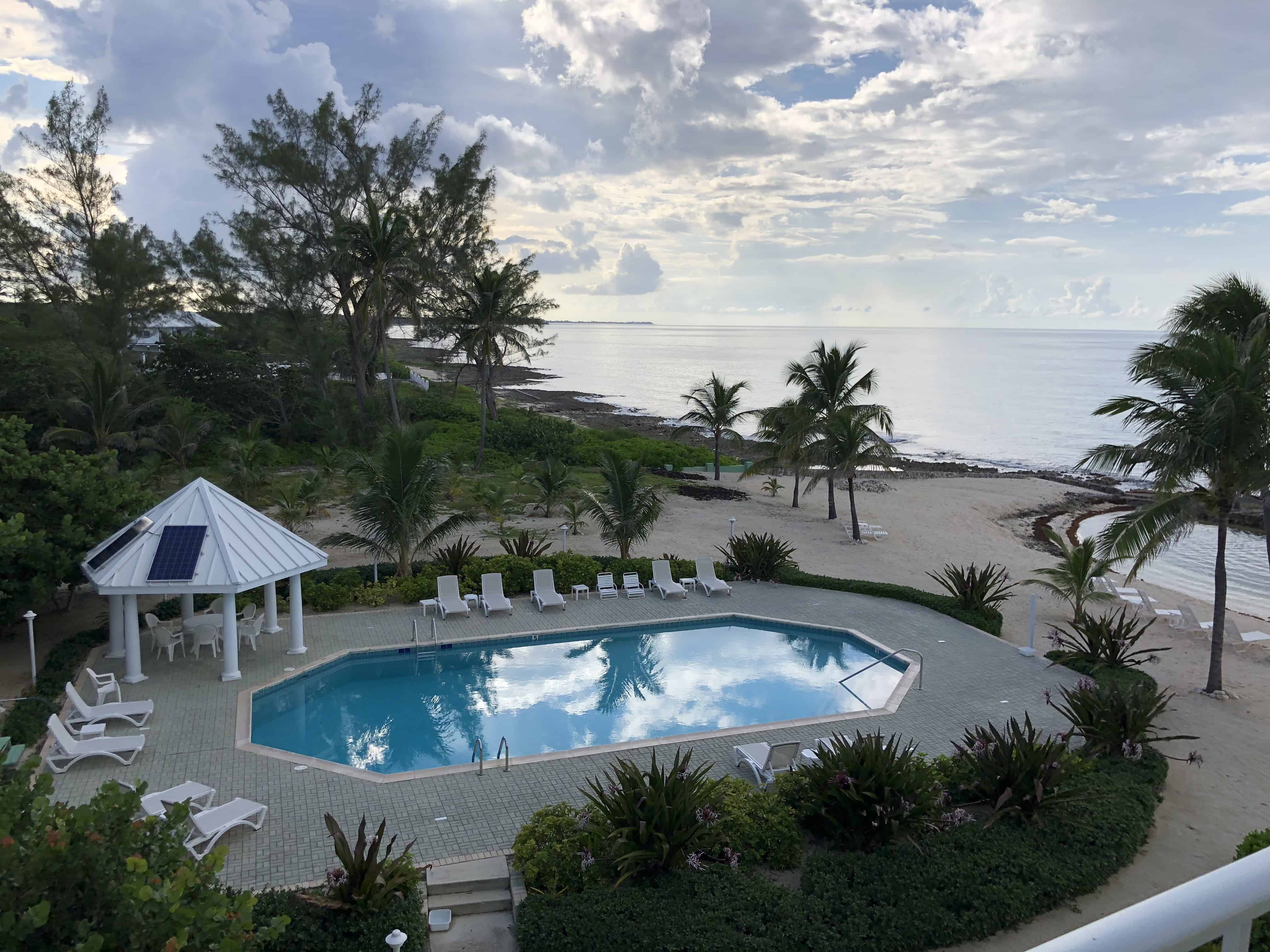
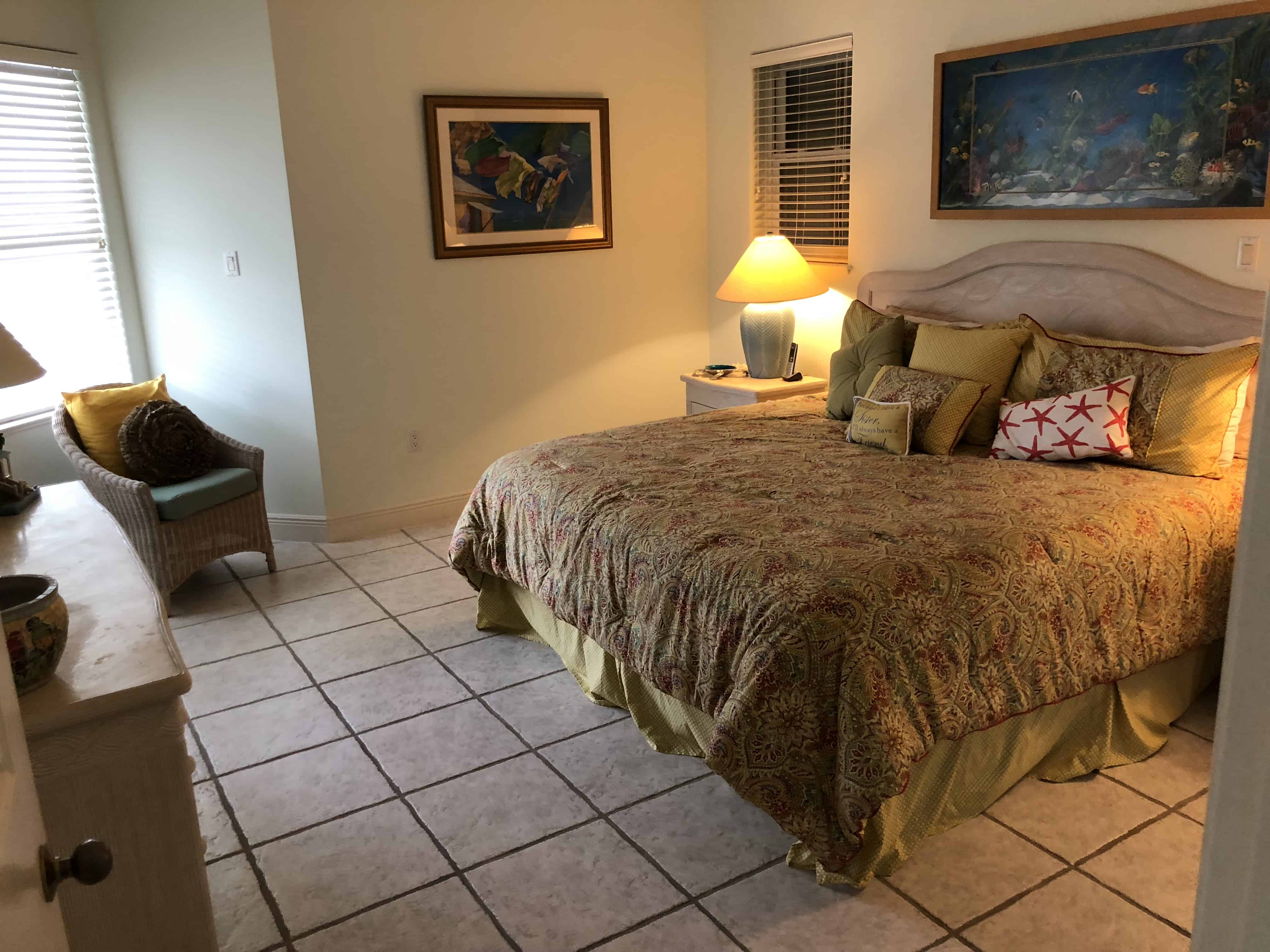
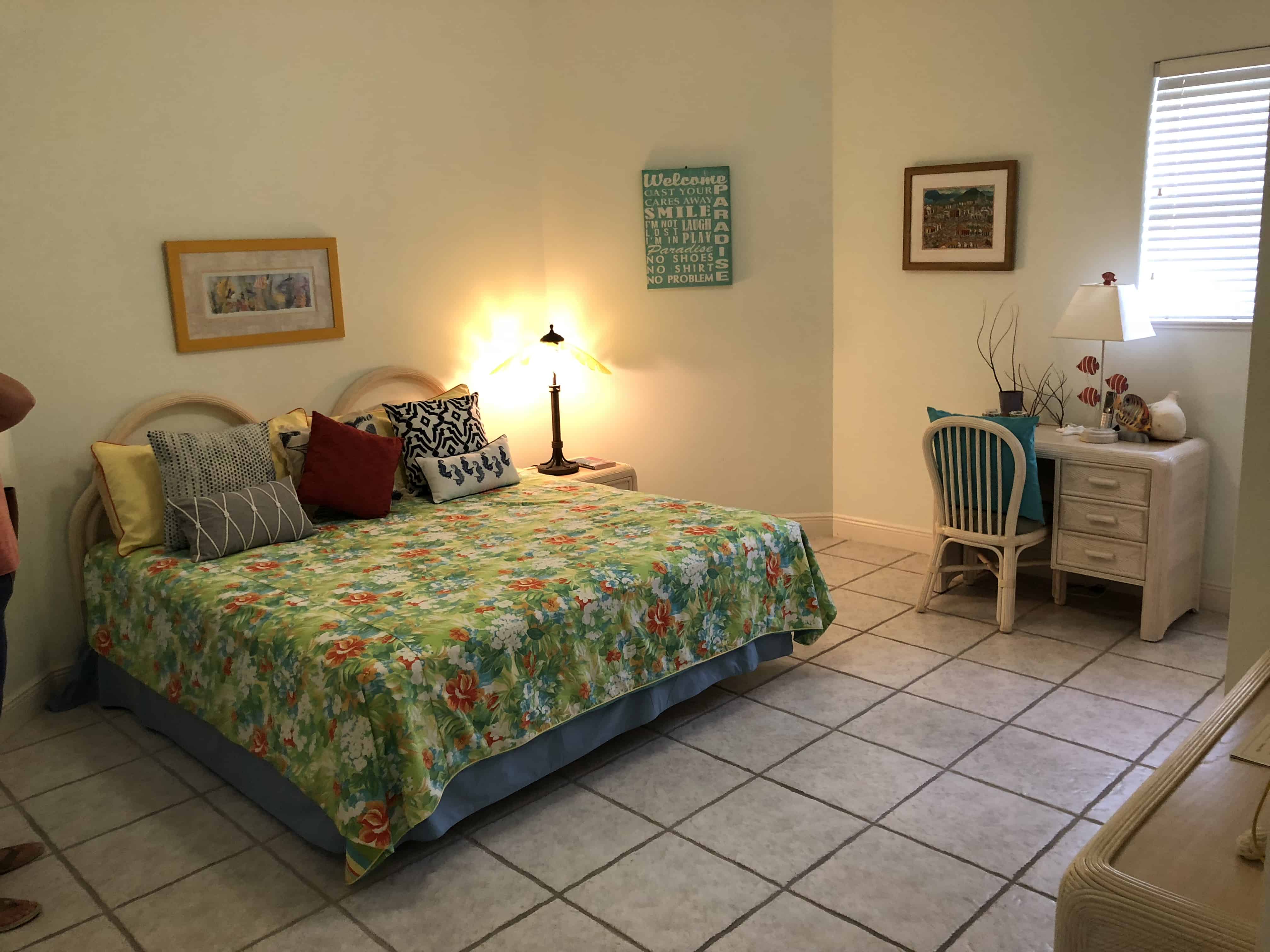
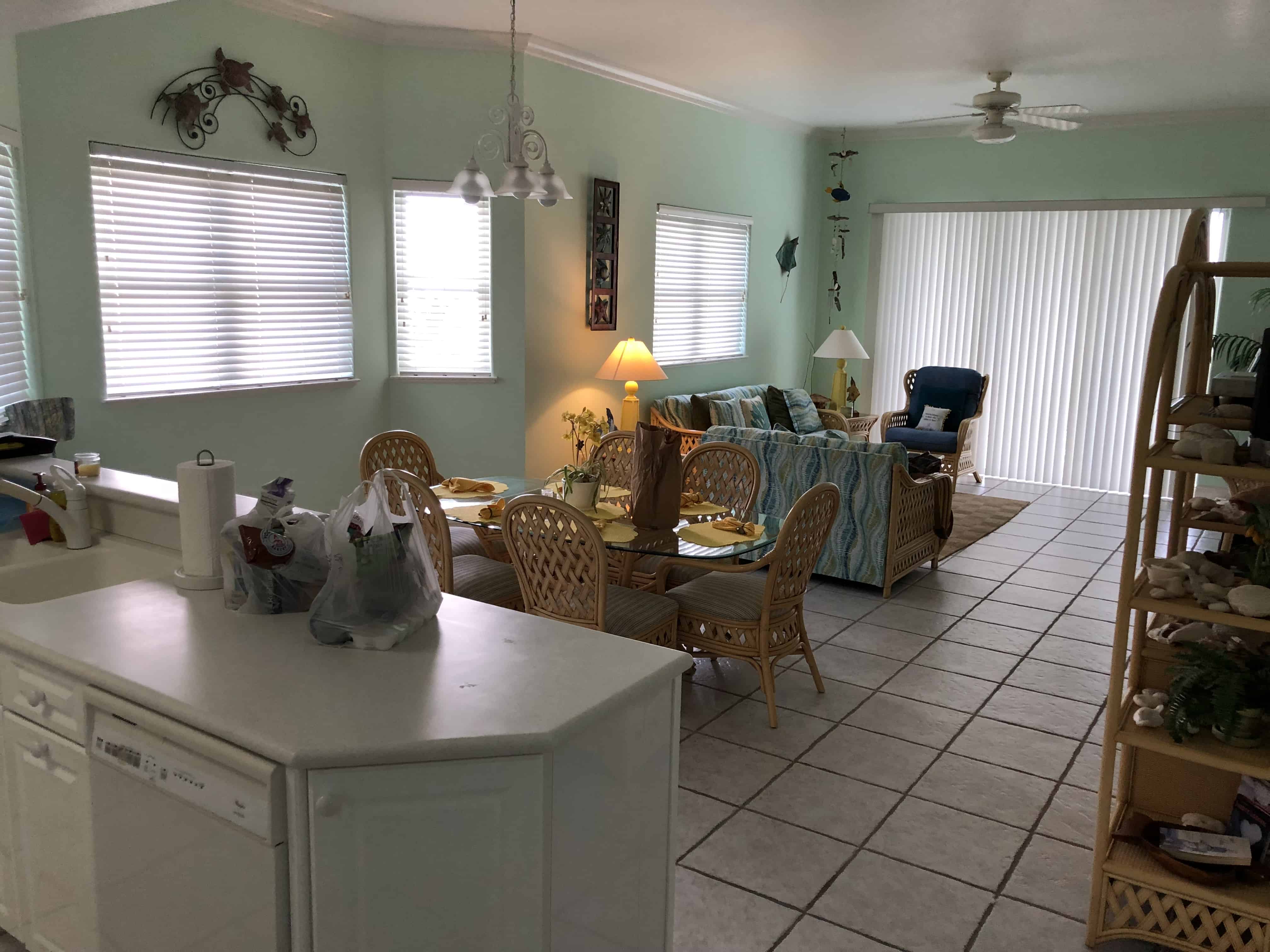
Unit #310 On The Bay @ Old Man Bay on the North Side –We had originally booked On The Bay Unit#104, upon arrival we were told there was a problem with that unit. It had recently been sold and some of the utilities weren’t turned back on. Cayman Villas moved us to Unit #310 and we were very pleasantly surprised when we got there. On The Bay Unit #310 (Third floor ocean view) was an upgrade for us from unit 104, (ground floor, no view). Kudos to Grand Cayman Villas for upgrading us. The On The Bay condos are nice and spacious. The unit we stayed is was an owner occupied rental so it was extremely well appointed versus a condo that’s 100% rental and filled with the bare minimum. We essentially had the entire 12 unit complex to ourselves. It really couldn’t have been any better.
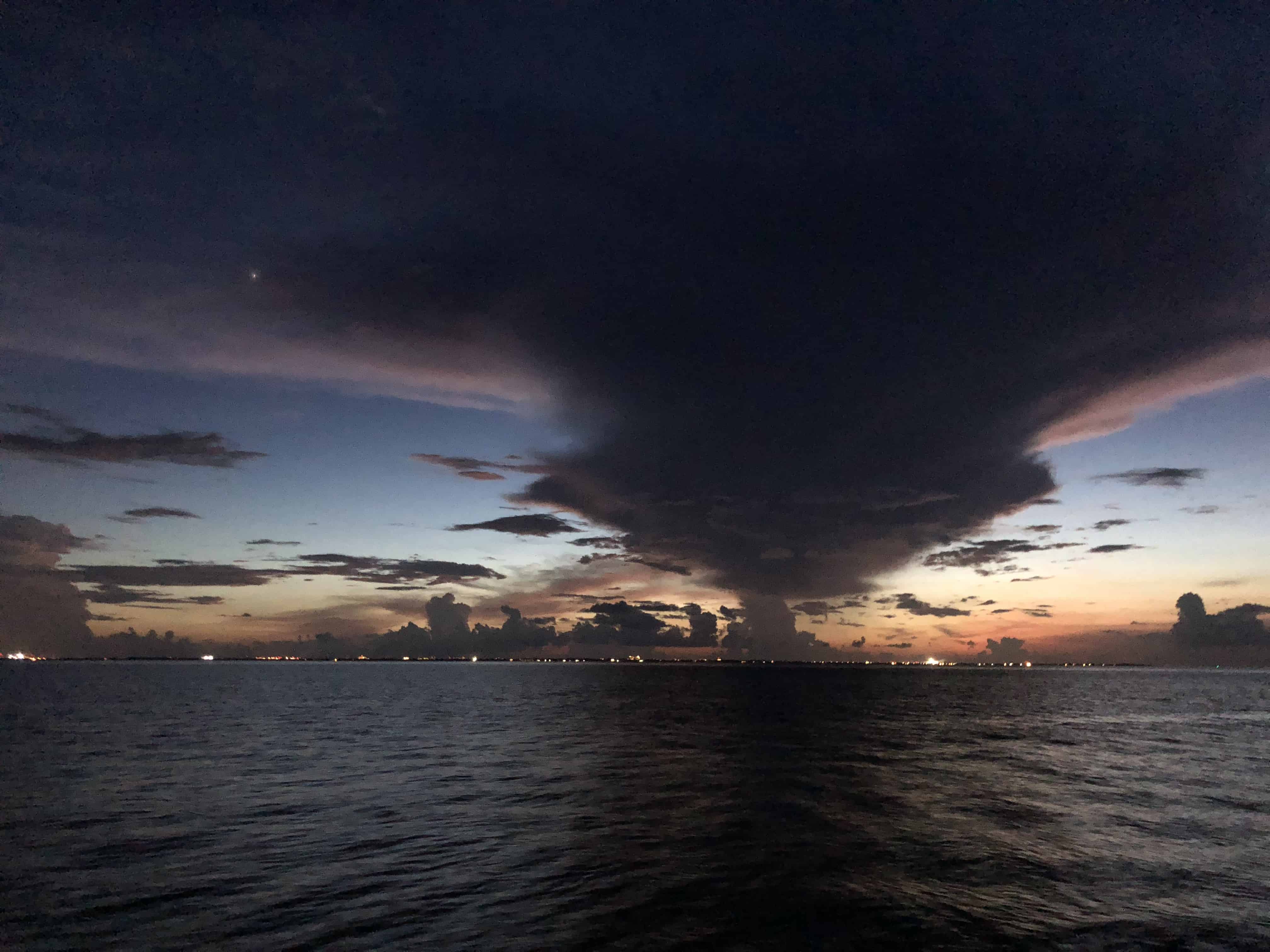
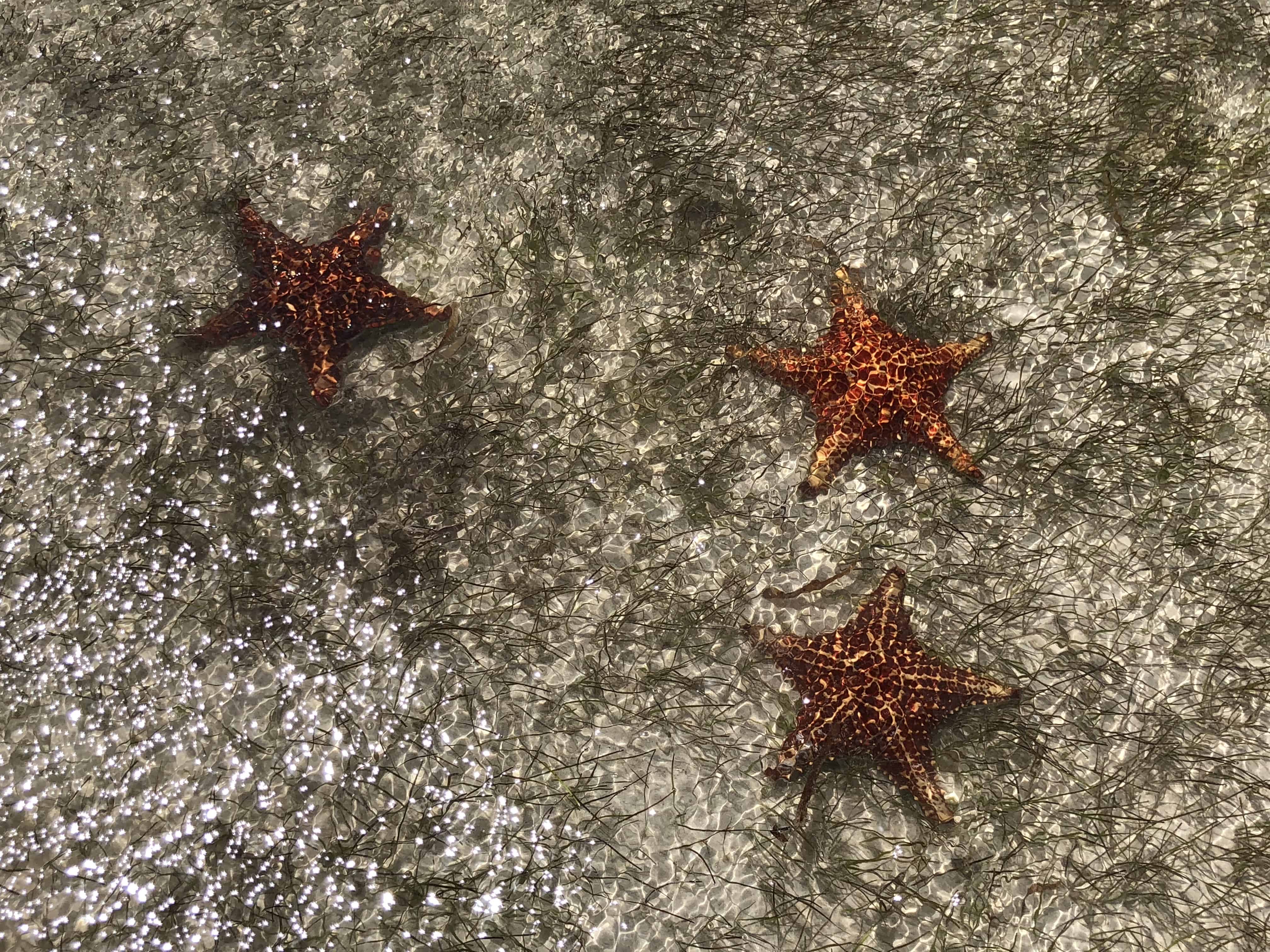
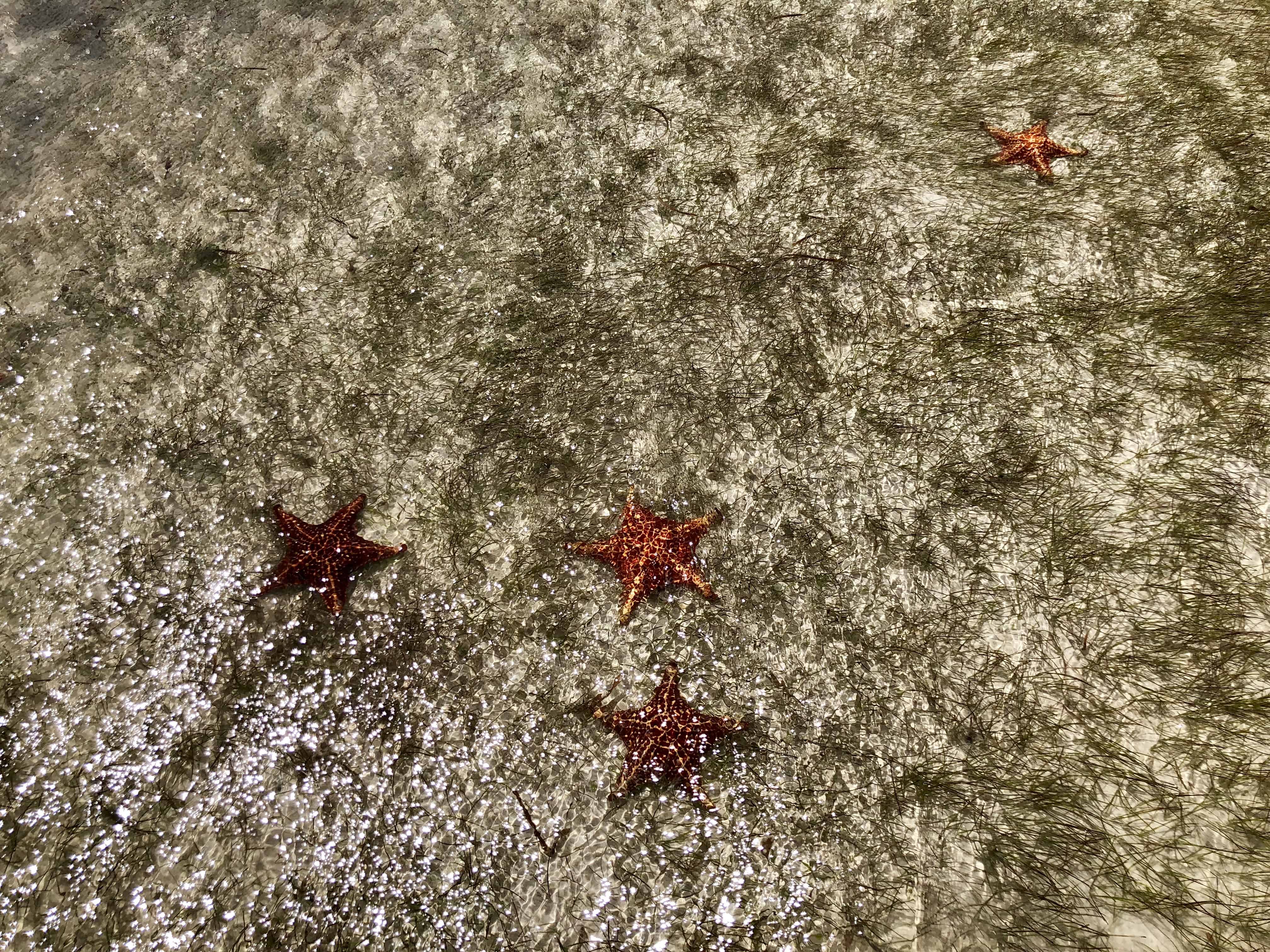
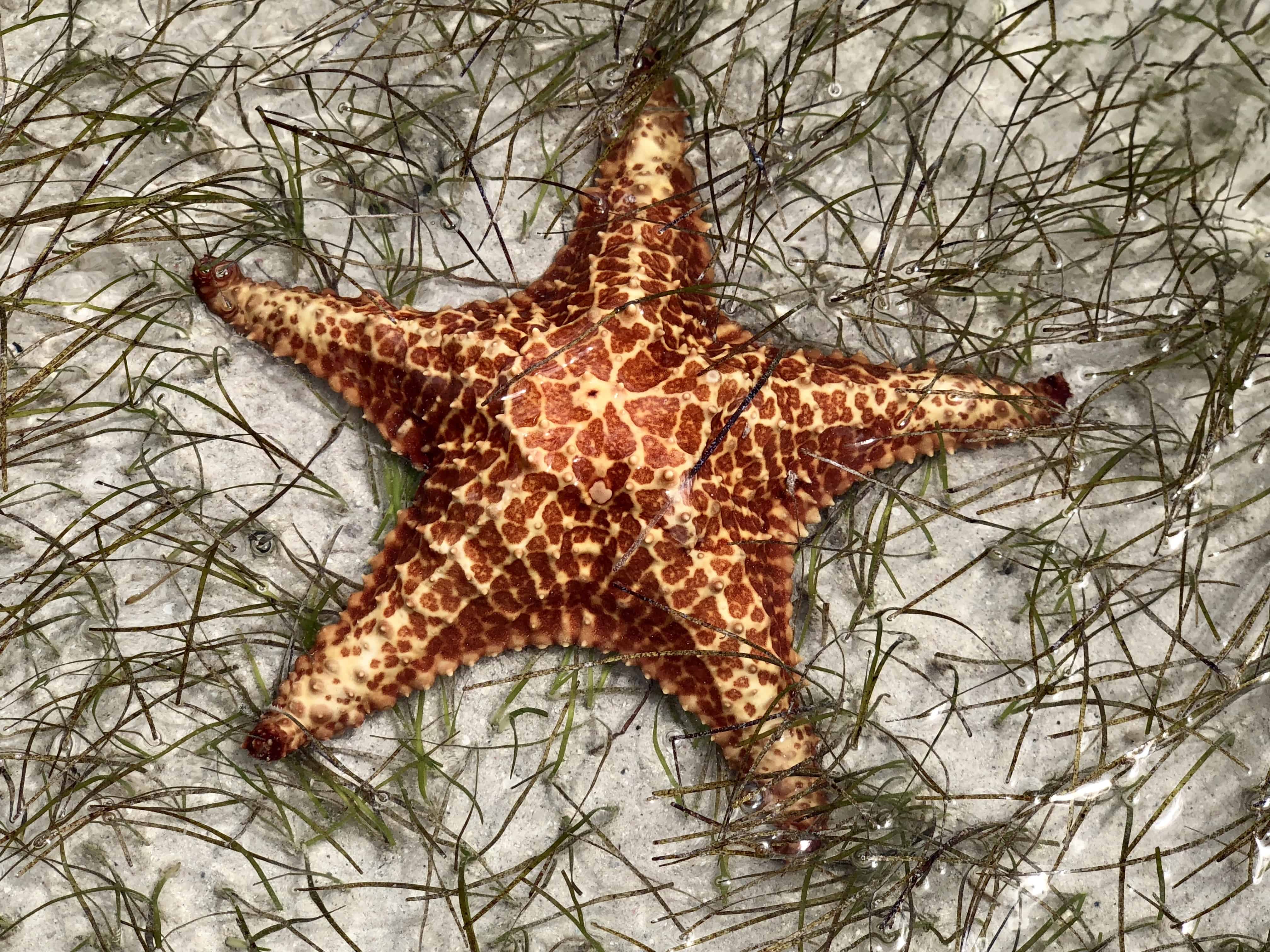
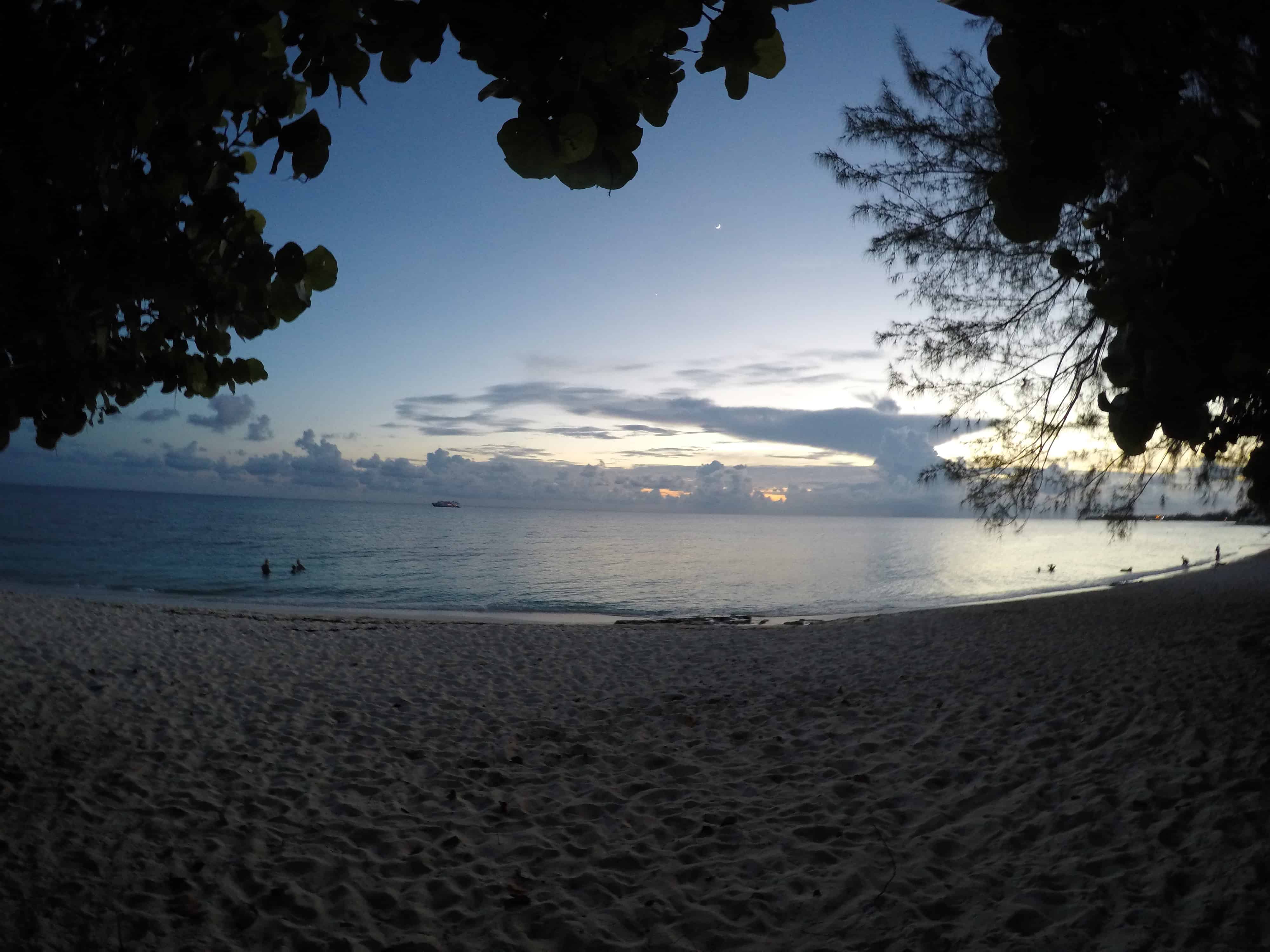
Starfish Point –Did someone say starfish? What a great little corner of the earth. Named Starfish Point for a reason. We stopped out there on our first night to check out the sunset, then followed up with a poor attempt to snorkel there the next day. Worth going for the starfish but it’s not a great place to snorkel despite what you may read. Super shallow to a 10 -15 foot deep sea grass area to a deep drop off. Not a ton of life outside of some basic fish and the starfish of course. We’re told you sometimes see turtles grazing there and the current was strong when we visited.
Over The Edge Restaurant – Great place on the north side for a relatively inexpensive meal. Inexpensive as far as Cayman goes. Good food, locally sourced fish, etc, with a bit of a french flair. We stopped here for dinner the first night on the porch over the water. Wonderful view.
Friday morning after snorkeling at Starfish point and stopping off to see Rum Point (not real sure what the attraction is there) we headed around the east end of the island to see what Ocean Frontiers had to offer and to inquire about diving with them on Saturday.
Ocean Frontiers –This dive resort is now on our list of places to stay in the future. Something about rolling out of bed and onto the dive boats really appeals to us. The facilities were super well organized and the room that they showed us was very clean with a good view. Sad that the pool is located across the street in the other part of the complex but we’d manage. We booked our first dive with them for Saturday morning, with a penciled in spot for Sunday if we could coordinate the move out of the north side and into 7 mile in a way that would work out.
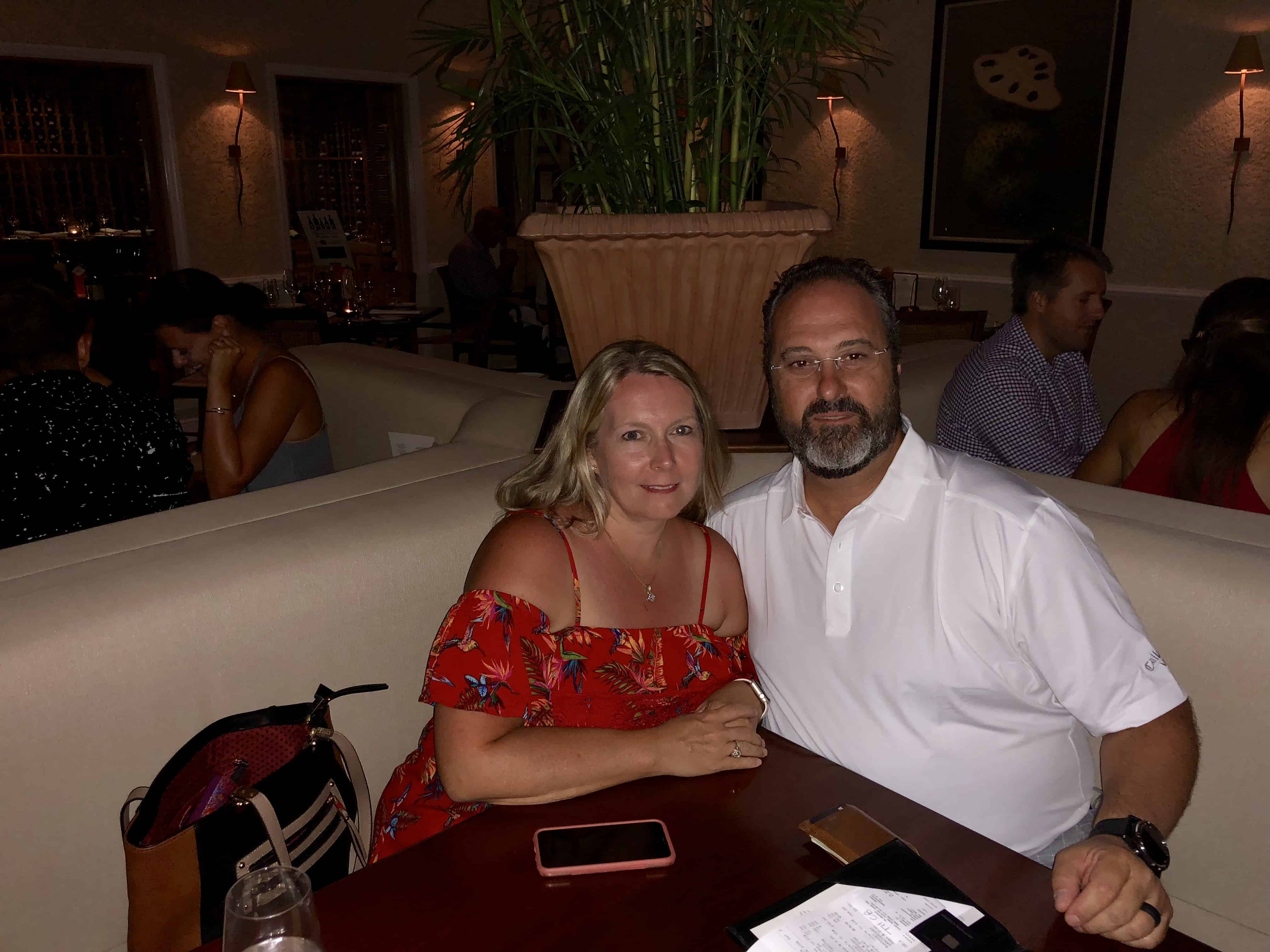
The Brasserie –What can I say? This is our go-to night out in Grand Cayman. Their food is amazing as well as the atmosphere. This is our second trip. I made reservations for The Brasserie as soon as I knew we were coming. We opted for the Chef’s selection. A five course tasting menu that was out of this world.
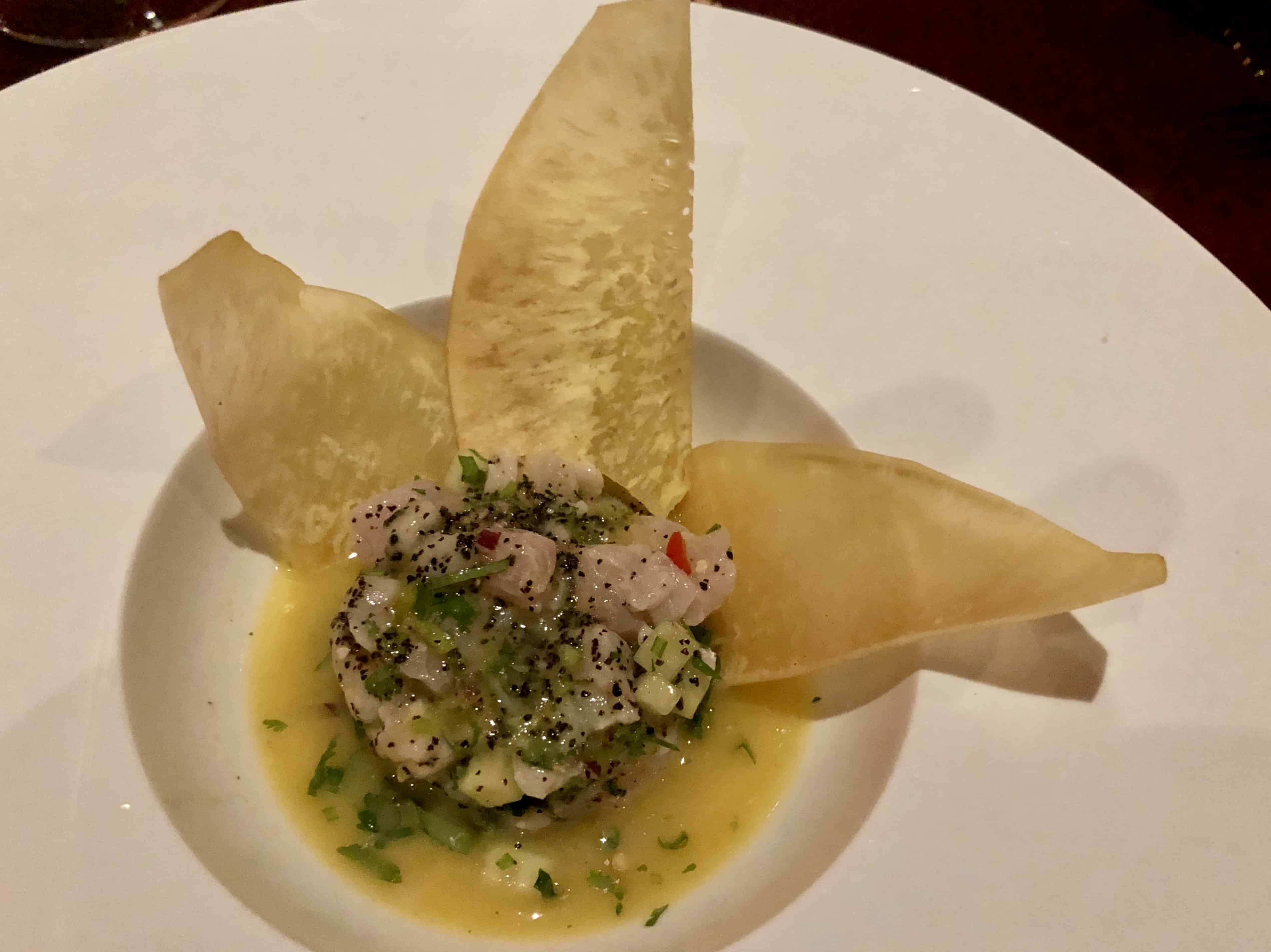
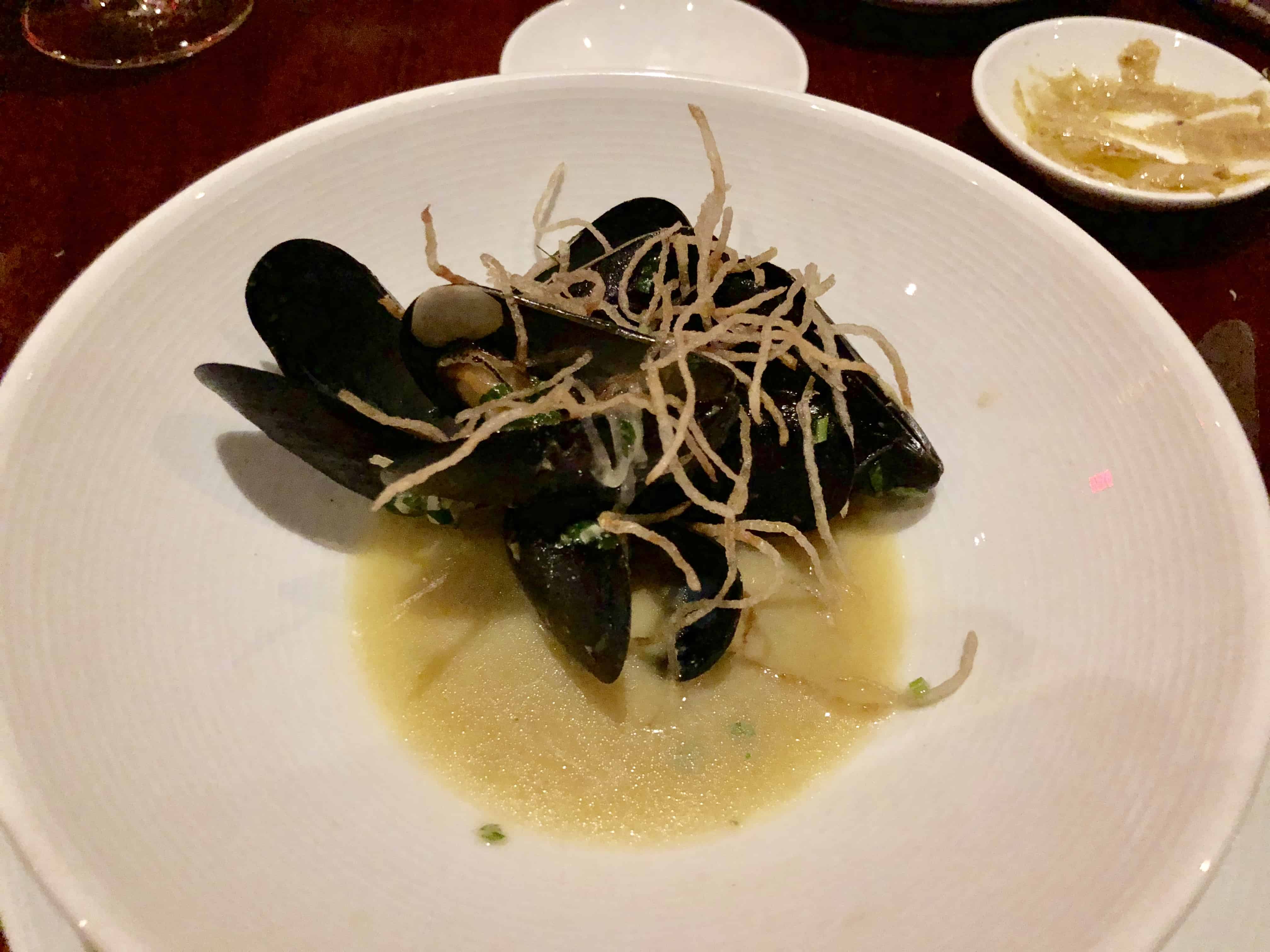
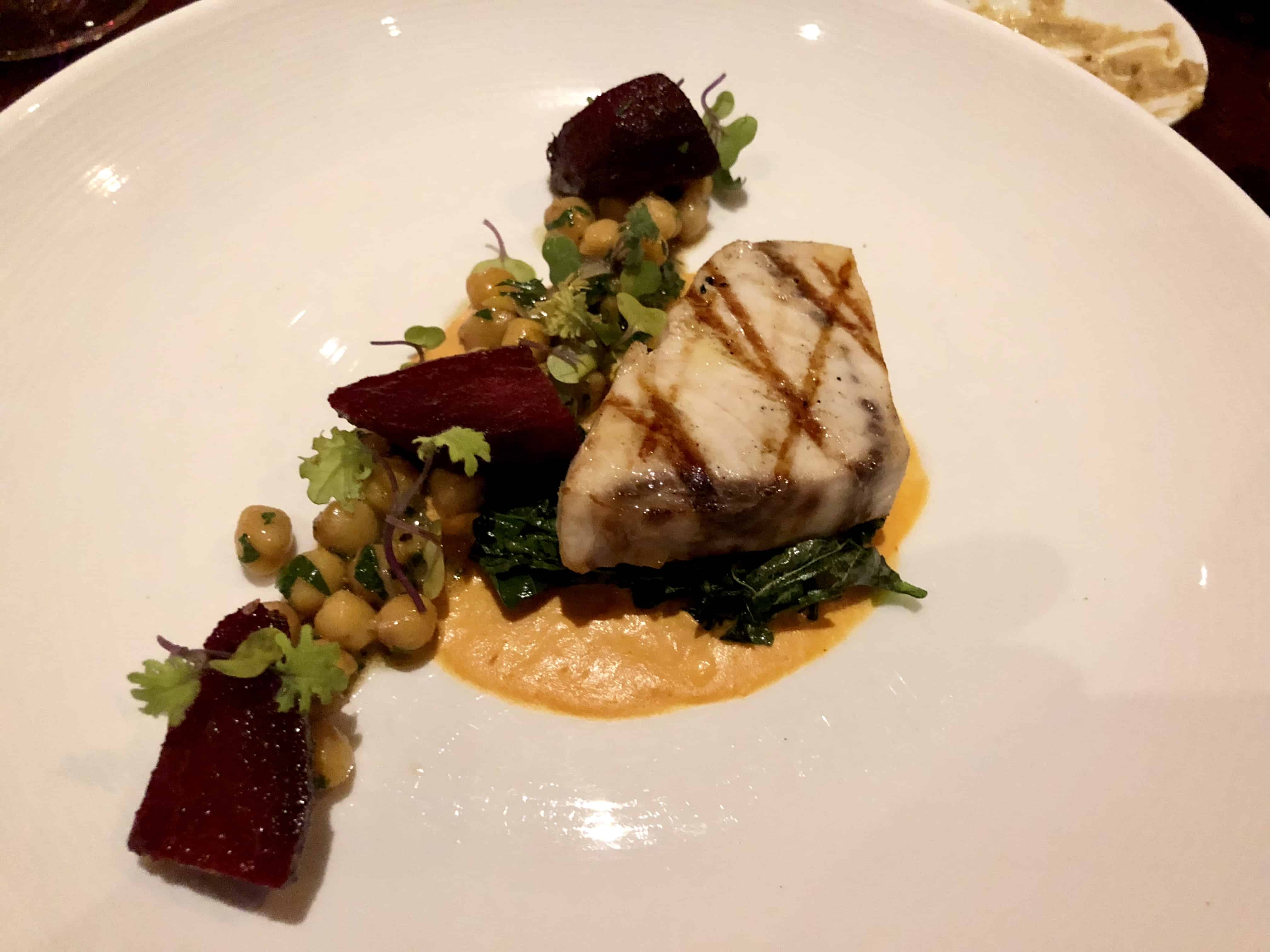
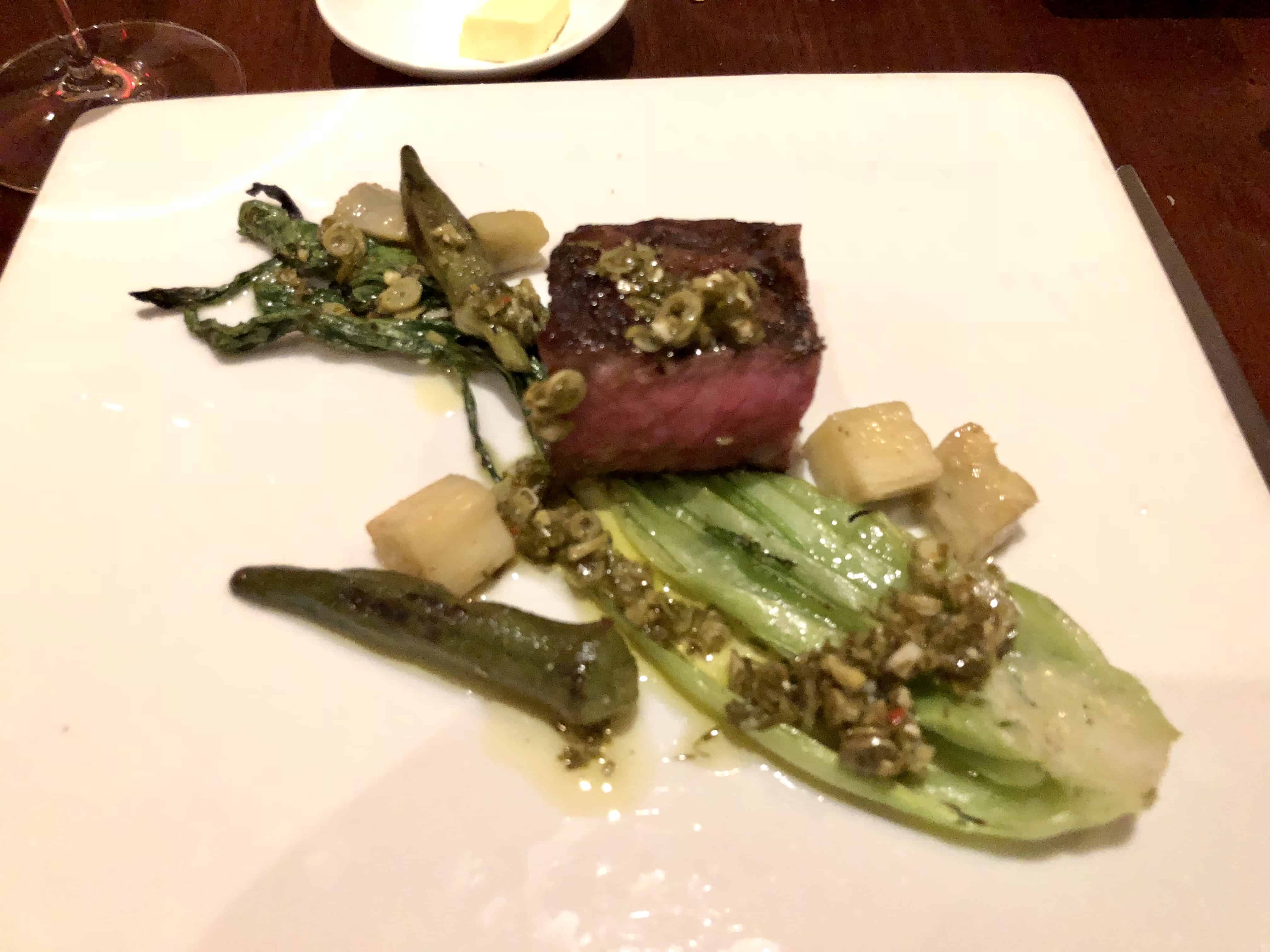
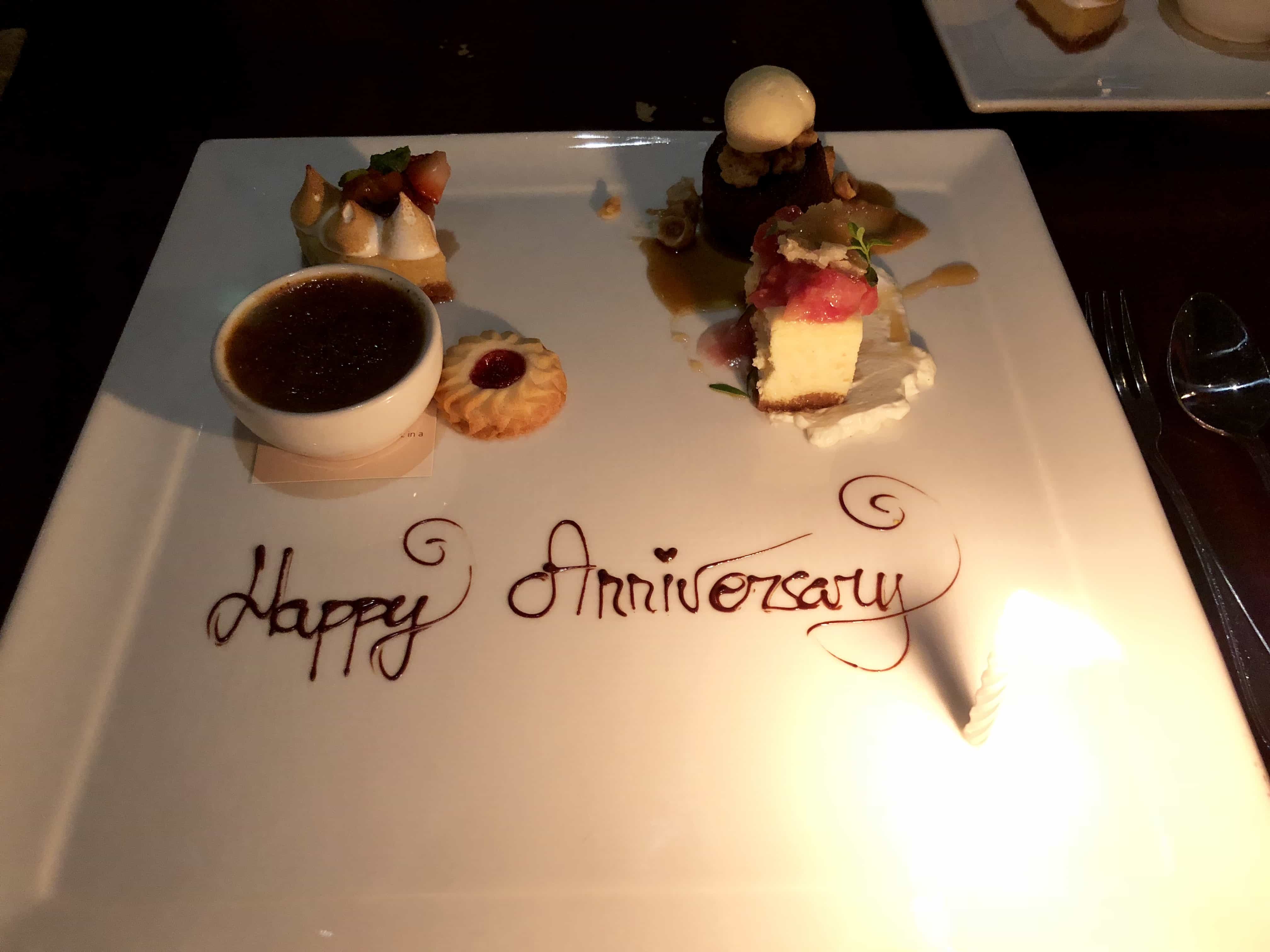
We started with their Tuna Ceviche with plantain chips, followed by the Prince Edward Island Mussels, Swordfish, Steak, a sample of some magical cheese, and our desert sampler. All of it was amazing@
Saturday morning we dove with Ocean Frontiers, and loved every minute of it. It’s a larger boat for sure, but there was PLENTY of space. I liked having the room, and the service and attention to detail spoiled us. Everyone had their own dunk tank next to their two tanks of gas. 3 Dive masters on the boat, two in the water with every dive. We were fortunate, there weren’t any newbies, or anyone that required any attention. Two stellar dives, enough to get us to book again for Sunday.
Dive logs were captured using my new dive watch/computer. The Garmin Decent MK1 (in addition to our normal computers/gauges). This little gem logs not only the dive particulars but my heart rate as well. Additionally it logs the GPS location of your entry and exit. SWEET. (Click any of the links below for the details)
Rum Point –I don’t see the attraction to Rum Point, sure it might be quieter, there’s a Rum Point beach area with a bar or two, bar food, and a restaurant (which was closed except for dinner). The beach there was small, and full of seaweed. Clearly party central though if that’s what you’re looking for. That’s to say to buy overpriced buckets of beer and play sand volleyball. No kidding, I paid $28 Cayman for two Mango Coladas and I don’t think there was any alcohol in them to speak of. Worst investment of the trip. We did however enjoy the hammocks for a bit, but that was only possible because it was essentially empty. I see no need to go back there. In all fairness, we didn’t get out to the western part of the beach, and if provided with the right opportunity to stay in one of the condos at Kai Bo, or that part of the island for a reasonable price we would consider it.
Again, exceptional service, and great overall dives. Same boat, completely different and equally great crew.
On the bay was kind enough to allow us a later than 11am check out so that we could dive on Sunday. We were told by 7 mile we could check in after 4pm, maybe early but 4pm for sure. After our dives we took a little pool time to wind down before packing up and moving to 7 Mile Beach Club and Resort.
Upon arrival (at 4:10) we noticed that the office closed at 4pm. Fortunatly the manager lived in unit 1 and was able to accommodate our check in. That certainly didn’t jive with the “You can check in after 4pm for sure story we got the day before. But no harm, no foul.
Seven Mile Beach Club – We really like 7 Mile beach club for it’s short, less than a block walk to the southern end of 7 mile beach just below the Marriotts portion of the beach. We also like the ability to walk to a number of restaurants including Coconut Joe’s across the street. Our request for a ground floor unit was honored. Similar to up north, the place was almost empty. If you can get a ground floor unit, do it. There’s no real view to speak of, and the ability to walk out your back door to the pool (vs a screened in balcony) is an added bonus. However, this is our second visit and we’re 0-2 in the ability to use the pool. It was broken the first time and being worked on. It was up and running on Sunday when we got there, but closed on Monday to have a drain installed, so it was down the whole time. They did work out an arrangement for patrons to be able to use the pool at the facility next door (@ Comfort Suites), but it’s just not the same as right out your back door. It’s this kind of thing that really turns me of to ever wanting to own a timeshare.
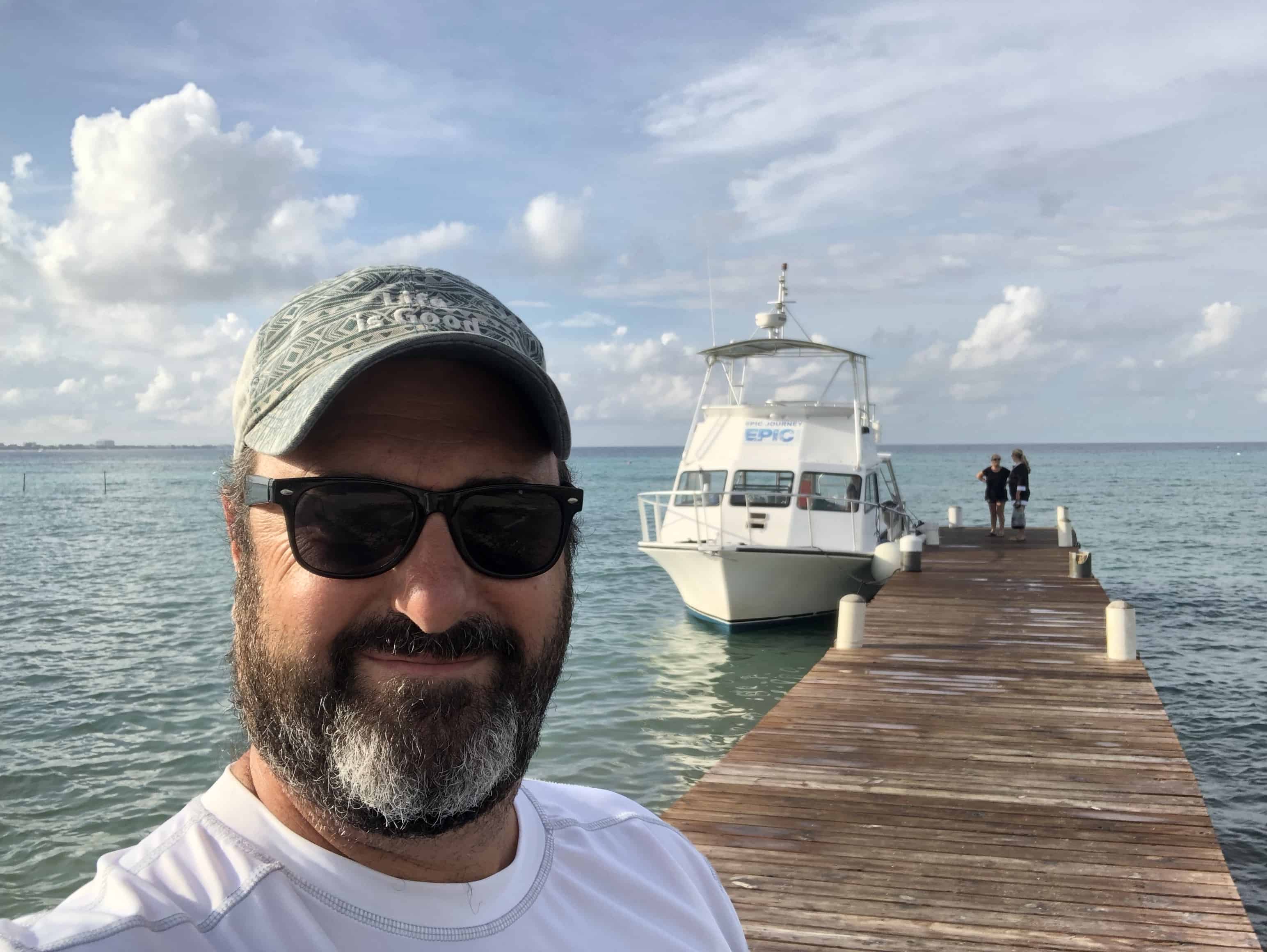
Epic Divers –After checking in and getting settled I sent an email to Epic Divers, whom we booked with, confirming our arrangements. I had stumbled upon a post/article about the owner having a party with Guy Harvey and read that they were winding down which had us a little concerned. They confirmed our pick up time and that all things were a go. Long story short, there are rules about how long an expatriate can live and work on the island (9 years to be exact in 2018). When that happens you have to be off island for 1 year before you can come back. Both owners of EPIC aged out or rolled over within the same year. Had things been managed differently they could have kept it going but they never found a 3rd partner/wheel they trusted enough to do that. I wish I had met them a year ago. EPIC is (or was) certainly the type of company and class of people I’d consider investing in.
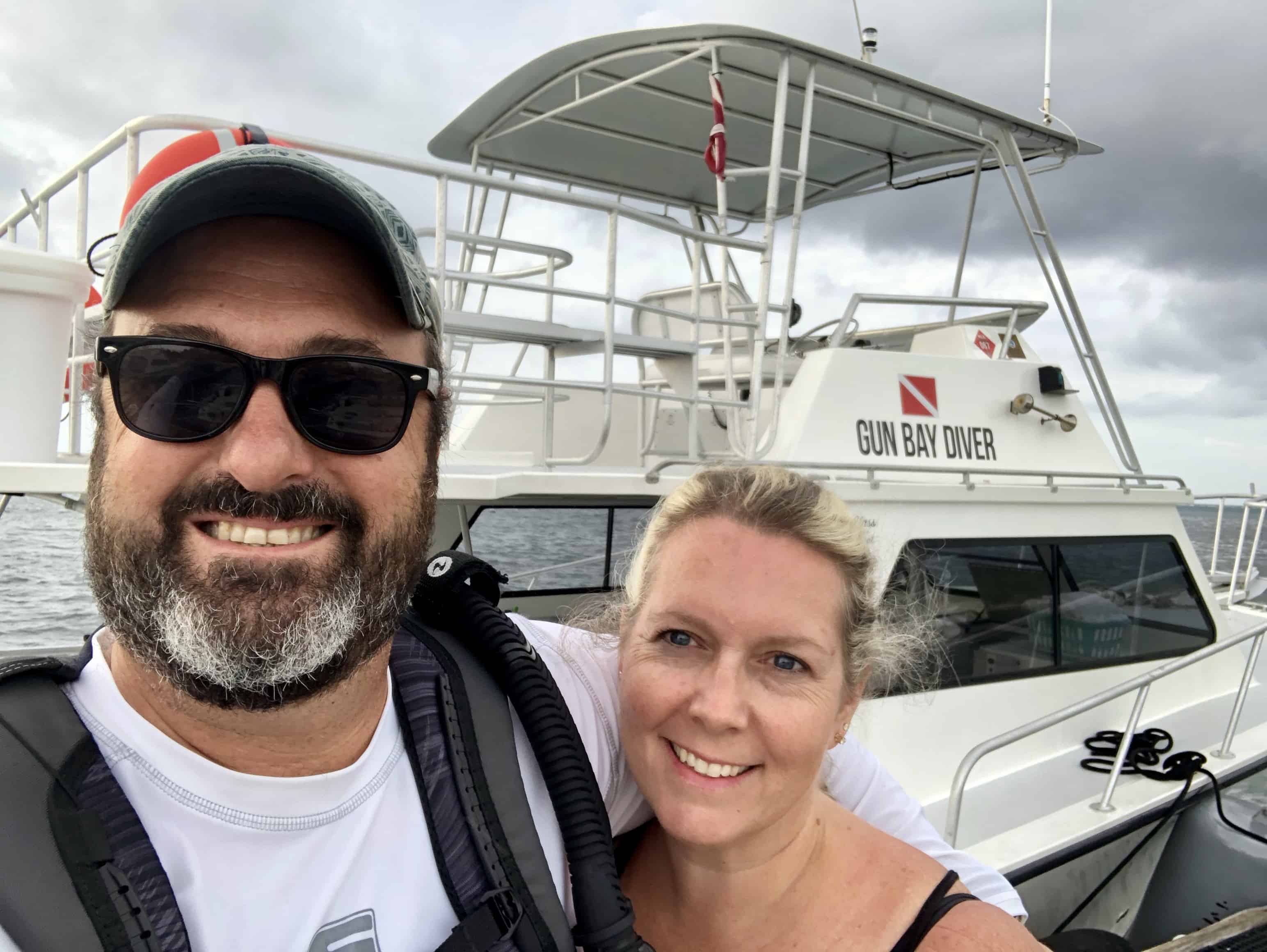
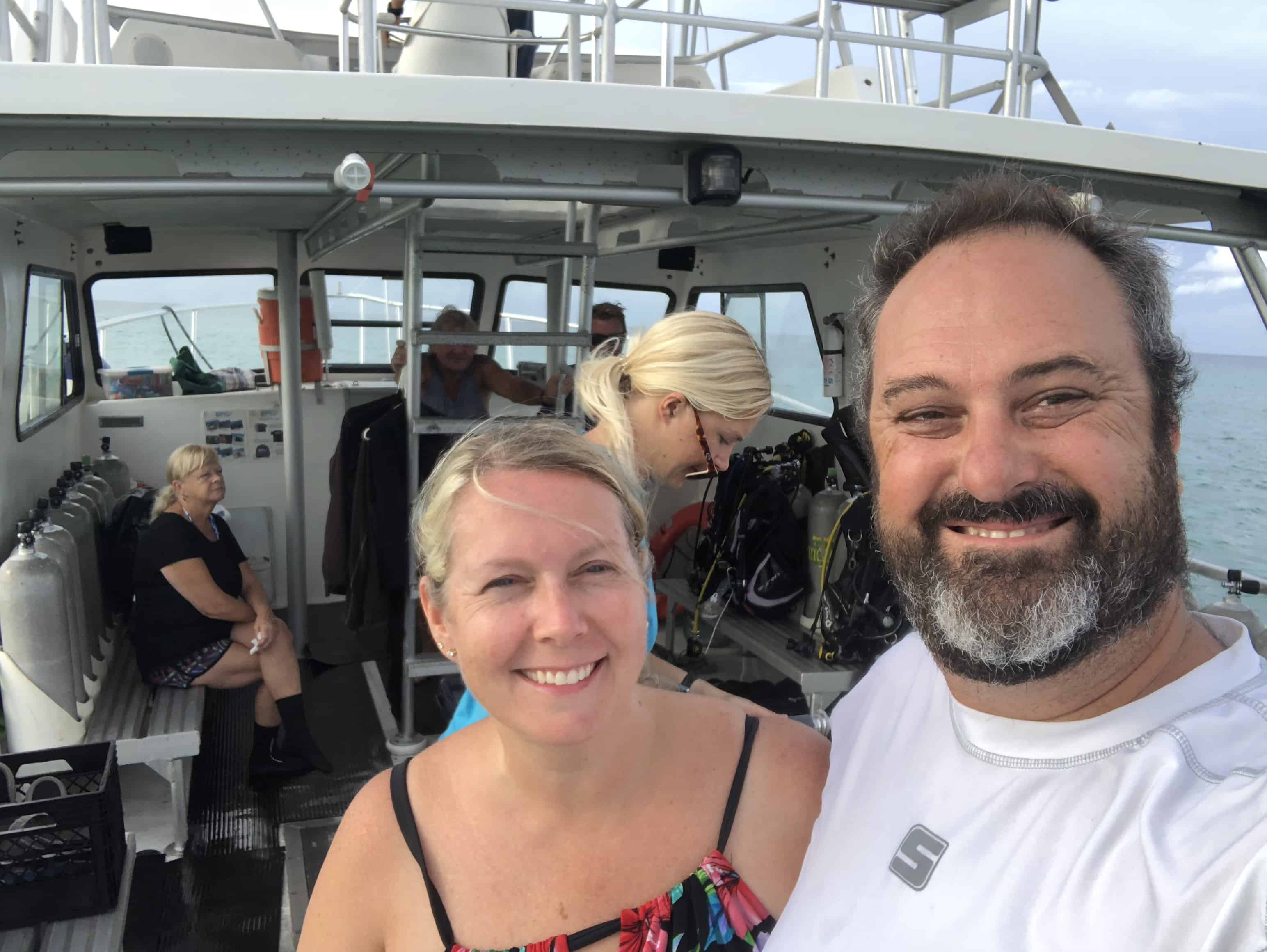
EPIC more than lived up to their name and reputation. For the most part Claudine and I had the boat to ourselves with Pete (one of the owners) and his parents (Shirley and Collin). What a distinct pleasure it was to meet them and dive with them. We did pick up another couple divers Thursday, Friday and a full boat for their final run on Saturday.
I wish Pete and his family success in whatever it is they decide to do and plan to keep in touch. Pete’s family lives in a part of the UK that I’ve never visited and I look forward to having them show us around one day.
The first two dives with EPIC were on the western 7 mile side. I enquired about diving the north wall as we were unable to get to the north side during our last visit. Turns out it’s a bit choppy in the summer as the weather comes from the north.
We got to spend some time with “Hook” about a 5 foot reef shark, that once had a huge hook in his nose (note the scar) which was removed a while back.
We had originally planned to take Wednesday and Saturday off to shore dive, but because the service was so good, and the weather on the north wall was cooperating we elected to dive both Wednesday and Saturday as well in the end.
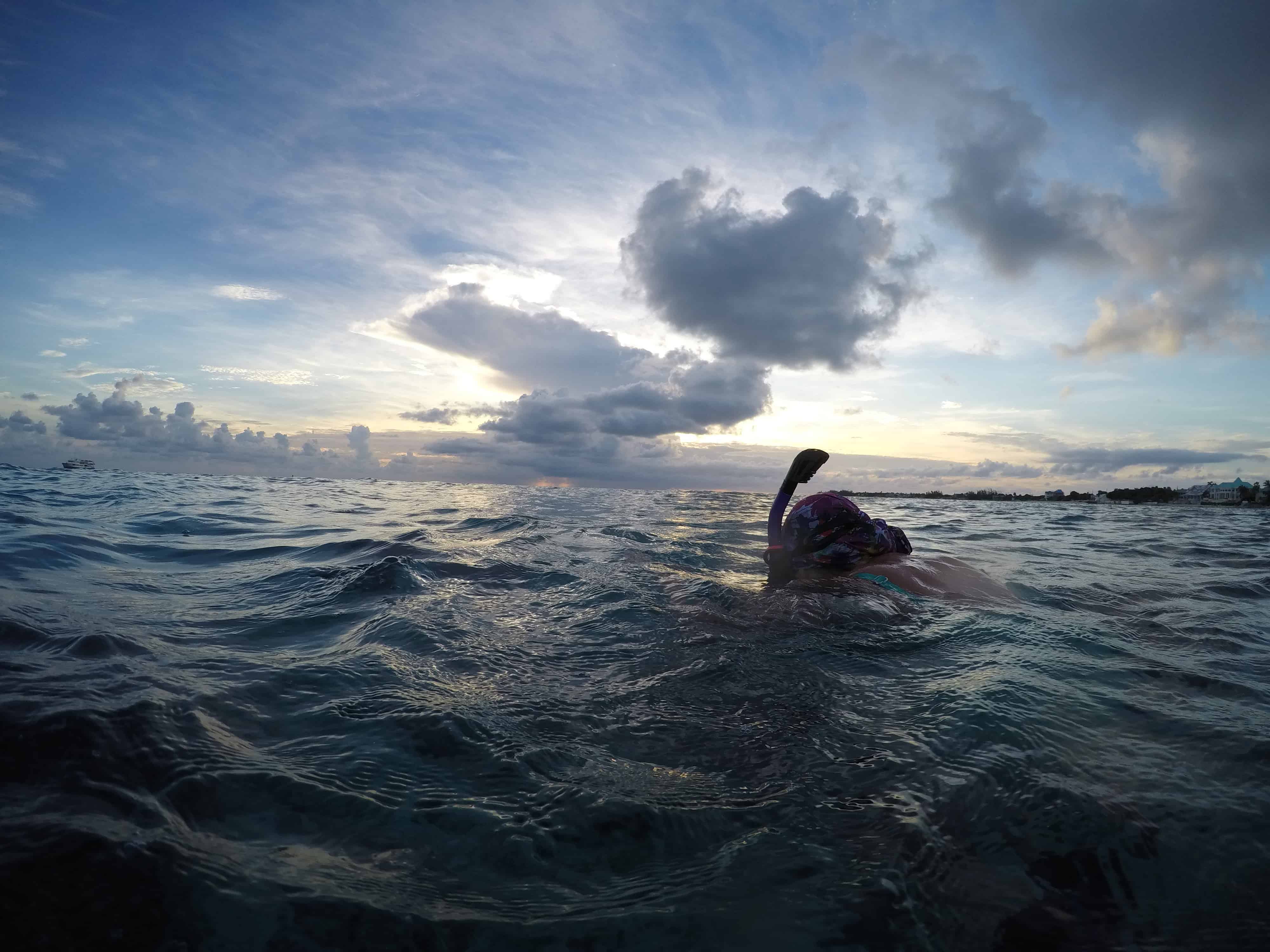
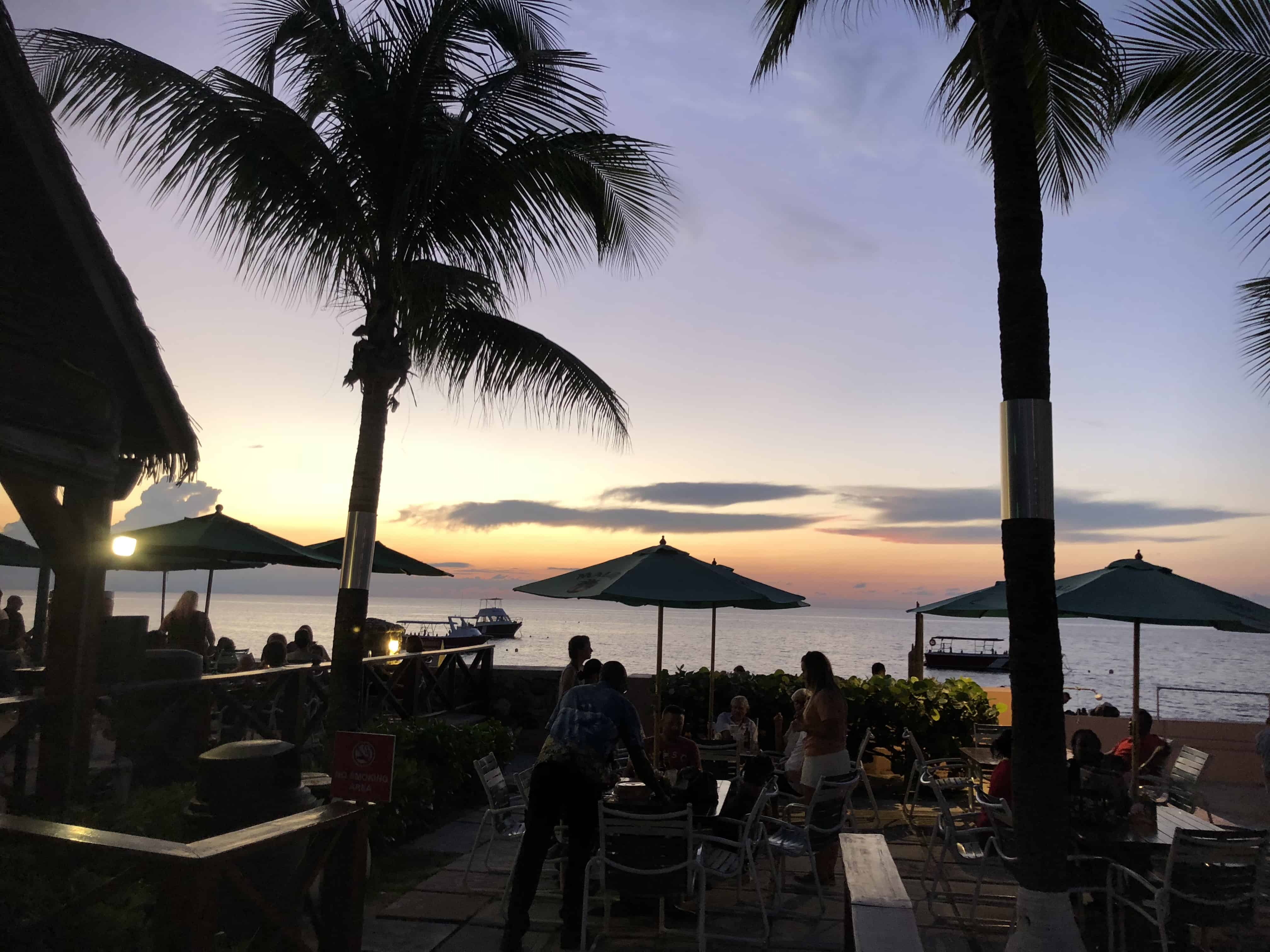
We also took our Sunset Snorkel trip off Cemetary beach this evening. Good stuff.
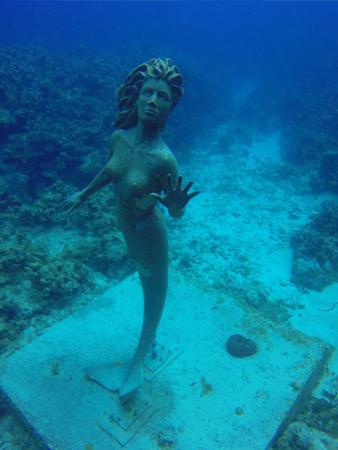
Yes, we found the mermaid. This was the first time I needed to navigate to something. 320 degrees from our drop in point, then 310 from there to a wreck (which we didn’t swim too).
The way the mermaid is situated with her back to a larger coral formation, it’s easy to swim past on the way out and we did exactly that. After consuming about 30% of our air we turned back, and found her on the swim back (heading 140 degrees). After the shore dive we cleaned up and had dinner on a patio all to ourselves.
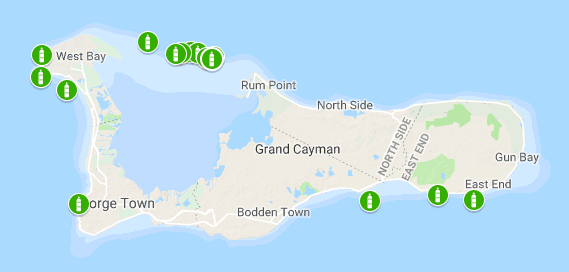
At the end of the trip, these are all the dive sites we hit in 10 days, 8 of them diving.
There are supposed to be 365 dive sites between the 3 Cayman islands. We have only scratched the surface, with 18 this trip and 11 the last trip, with the only duplicate so far being the shore dives at Macabuca. Daryll told us that the island decided on a marketing campaign “Cayman, dive a new site every day, 365 days a year”. The put it all together and published it only to realize they didn’t have 365 sites. They only had 359 or something, so a few of the dive sites are somewhat suspect, (or complete ass as he called them). But there are 365 moorings today.
Some Stats from this trip: 10 Days on Island 18 Dives, 16 by boat, 2 by shore, plus some snorkeling 13 and a half hours under water during the dives We put 410 miles on the rental car (that means we spent at a minimum of 11.5 hours in said rental car at an average of 35 MPH)
Video –Disclaimer: This is a quick chop down of over 40 hours of video captured during the trip. I am not a professional videographer or video editor. You may be about to spend time on the internet that you’ll never get back.
A couple of things happened to make this possible. Our wonderful daughter Maggie gave us a week of babysitting so that we could take a vacation without any kids, thank you Maggie. When the opportunity presented itself for us to rent the same condo in Seven Mile Beach Resort in Grand Cayman that we did in May of 2017 so we jumped on it. The earliest we could book a vacation for me, at the time, was in September.
We also decided that if we’re going to spend the bucks to get there and dive, might as well maximize the opportunity and decided to extend it a couple days, three to be exact.
We originally asked the condo folks for a special rate to extend because, well, honestly, we like to be frugal like that, and we also have a boat load of Marriott points so we could technically stay at the Marriott resort for free. Initially the resort said “No” and quoted us standard rates which were ridiculous. Anyone in Cayman in the offseason (August-September-October) an paying list price is not doing their homework.
So we looked around. The problem with the Marriott for us, was simply that it’s basically a standard hotel room, an when you’re diving, you have a lot of wet, sometimes stinky gear to deal with. There’s no good place to store it at the Marriott and they don’t have their own dive company to take it off your hands. We also like to have the opportunity to cook a bit and save some money when we can and you can’t do that when all you have is a Microwave. Well, I suppose you can, but we can’t.
Additionally we wanted to experience other parts of the island, not just Seven Mile, which can be busy like Gatlinburg only with a beach. If you don’t know how busy that is, just know that it’s crazy busy. It turns out, in the offseason, that’s not a problem.
After some research, we selected a condo on the north side in Old Man Bay. Originally we rented On The Bay Unit #104 via Grand Cayman Villas & Condos, a ground floor unit at the back, which didn’t really have the best of views but it was priced really good. Upon arrival, we were notified there was a problem with #104, it had recently sold and the electricity hadn’t been turned on so we were moved to unit #310 on the third floor with a spectacular view! This was certainly an upgrade!
As we did our research we were a little bummed about the number of things that were down/closed for the off season. Island population is certainly lower, it is hurricane season after all. A few of the dive companies we planned to dive with told us they would be down for maintenance and when I tried to get reservations at one of the all you can eat lobster nights and they were like, “Yeah, uh, no, we’re closed in September.” But we soldiered on.
We eventually booked diving with EPIC divers for the 7 days we’d be staying on 7 Mile because of their stellar reputation on Trip Advisor. We figured we’d just snorkel, shore dive, or find someone on the North side when we got here. We also planned to check out the Morritt’s resort and Ocean Frontiers as potential places to stay next time.
Unit #310 On The Bay @ Old Man Bay on the North Side
On The Bay Unit #310 (Third floor ocean view) was an upgrade for us from unit 104, (ground floor, no view). Kudos to Grand Cayman Villas for upgrading us. The On The Bay condos are nice and spacious. The unit we stayed is was an owner occupied rental so it was extremely well appointed versus a condo that’s 100% rental and filled with the bare minimum. We essentially had the entire 12 unit complex to ourselves. It really couldn’t have been better.
Starfish Point
Did someone say starfish? What a great little corner of the earth. Named Starfish Point for a reason. We stopped out there on our first night to check out the sunset, then followed up with a poor attempt to snorkel there the next day. Worth going for the starfish but it’s not a great place to snorkel despite what you may read. Super shallow to a 10 -15 foot deep sea grass area to a deep drop off. Not a ton of life outside of some basic fish and the starfish of course. We’re told you sometimes see turtles feeding there. Current was strong when we visited.
Over The Edge Restaurant – Great place on the north side for a relatively inexpensive meal. Inexpensive as far as Cayman goes. Good food, locally sourced fish, etc, with a bit of a french flair. We stopped here for dinner the first night on the porch over the water. Wonderful view.
Friday morning after snorkeling at Starfish point and stopping off to see Rum Point (not real sure what the attraction is there) we headed around the east end of the island to see what Ocean Frontiers had to offer and to inquire about diving with them on Saturday.
Ocean Frontiers
This dive resort is now on our list of places to stay in the future. Something about rolling out of bed and onto the dive boats really appeals to us. The facilities were super well organized and the room that they showed us was very clean with a good view. Sad that the pool is located across the street in the other part of the complex but we’d manage. We booked our first dive with them for Saturday morning, with a penciled in spot for Sunday if we could coordinate the move out of the north side and into 7 mile in a way that would work out.
What can I say? This is our go-to night out in Grand Cayman. Their food is amazing as well as the atmosphere. This is our second trip. I made reservations for The Brasserie as soon as I knew we were coming. We opted for the Chef’s selection. A five course tasting menu that was out of this world.
We started with their Tuna Ceviche with plantain chips, followed by the Prince Edward Island Mussels, Swordfish, Steak, a sample of some magical cheese, and our desert sampler. All of it was amazing@
Saturday morning we dove with Ocean Frontiers, and loved every minute of it. It’s a larger boat for sure, but there was PLENTY of space. I liked having the room, and the service and attention to detail spoiled us. Everyone had their own dunk tank next to their two tanks of gas. 3 Dive masters on the boat, two in the water with every dive. We were fortunate, there weren’t any newbies, or anyone that required any attention. Two stellar dives , enough to get us to book again for Sunday.
Dive logs were captured using my new dive watch/computer. The Garmin Decent MK1. This little gem logs not only the dive particulars but my heart rate as well. Additionally it logs the GPS location of your entry and exit. SWEET. (Click any of the links below for the details)
I don’t see the attraction to Rum Point, sure it might be quieter, there’s a Rum Point beach area with a bar or two, bar food, and a restaurant (which was closed except for dinner). The beach there was small, and full of seaweed. Clearly party central though if that’s what you’re looking for. That’s to say to buy overpriced buckets of beer and play sand volleyball. No kidding, I paid $28 Cayman for two Mango Coladas and I don’t think there was any alcohol in them to speak of. Worst investment of the trip. We did however enjoy the hammocks for a bit. But I see no need to go back there. In all fairness, we didn’t get out to the western part of the beach.
Again, exceptional service, and great overall dives. Same boat, completely different and equally great crew.
On the bay was kind enough to allow us a later than 11am check out so that we could dive on Sunday. We were told by 7 mile we could check in after 4pm, maybe early but 4pm for sure. After our dives we took a little pool time to wind down before packing up and moving to 7 Mile Beach Club and Resort.
Upon arrival (at 4:10) we noticed that the office closed at 4pm. Fortunatly the manager lived in unit 1 and was able to accommodate our check in. That certainly didn’t jive with the “You can check in after 4pm for sure story we got the day before.
Epic Divers
After checking in and getting settled I sent an email to Epic Divers, whom we booked with confirming our arrangements after I read that they were winding down. They confirmed our pick up time and that all things were a go.
EPIC more than lived up to their reputation. For the most part Claudine and I had the boat to ourselves with Pete (one of the owners parents). What a distinct pleasure it was to meet them and dive with them. We did pick up another couple divers Thursday, Friday and a full boat for their final run on Saturday.
I wish Pete and his family success in whatever it is they decide to do and plan to keep in touch.
The first two dives with EPIC were on the western 7 mile side. I enquired about diving the north wall as I hear that’s often harder to get to, specifically when in the summer as the weather comes from the north.
We got to spend some time with “Hook” about a 5 foot reef shark, that once had a huge hook in his nose (note the scar) which was removed a while back.
We had originally planned to take Wednesday and Saturday off to shore dive, but because the service was so good, and the weather on the north wall was cooperating we elected to dive both Wednesday and Saturday as well in the end.
We also took our Sunset Snorkel trip off Cemetary beach this evening. Good stuff.
Shore Dive @ Sunset HouseDive 16: Sunset House | George Town Single-Gas Dive
-= Yes, we found the mermaid. We did swim past it but found it on the way back. Cleaned up after the dive and had dinner on a patio all to ourselves.
At the end of the trip, these are all the dive sites we hit in 10 days, 8 of them diving.
There are supposed to be 365 dive sites between the 3 Cayman islands. We have only scratched the surface, with 18 this trip and 11 the last trip, with the only duplicate so far being the shore dives at Macabuca.
Video
Disclaimer: This is a quick chop down of over 40 hours of video captured during the trip. I am not a professional videographer or video editor. You may be about to spend time on the internet that you’ll never get back.